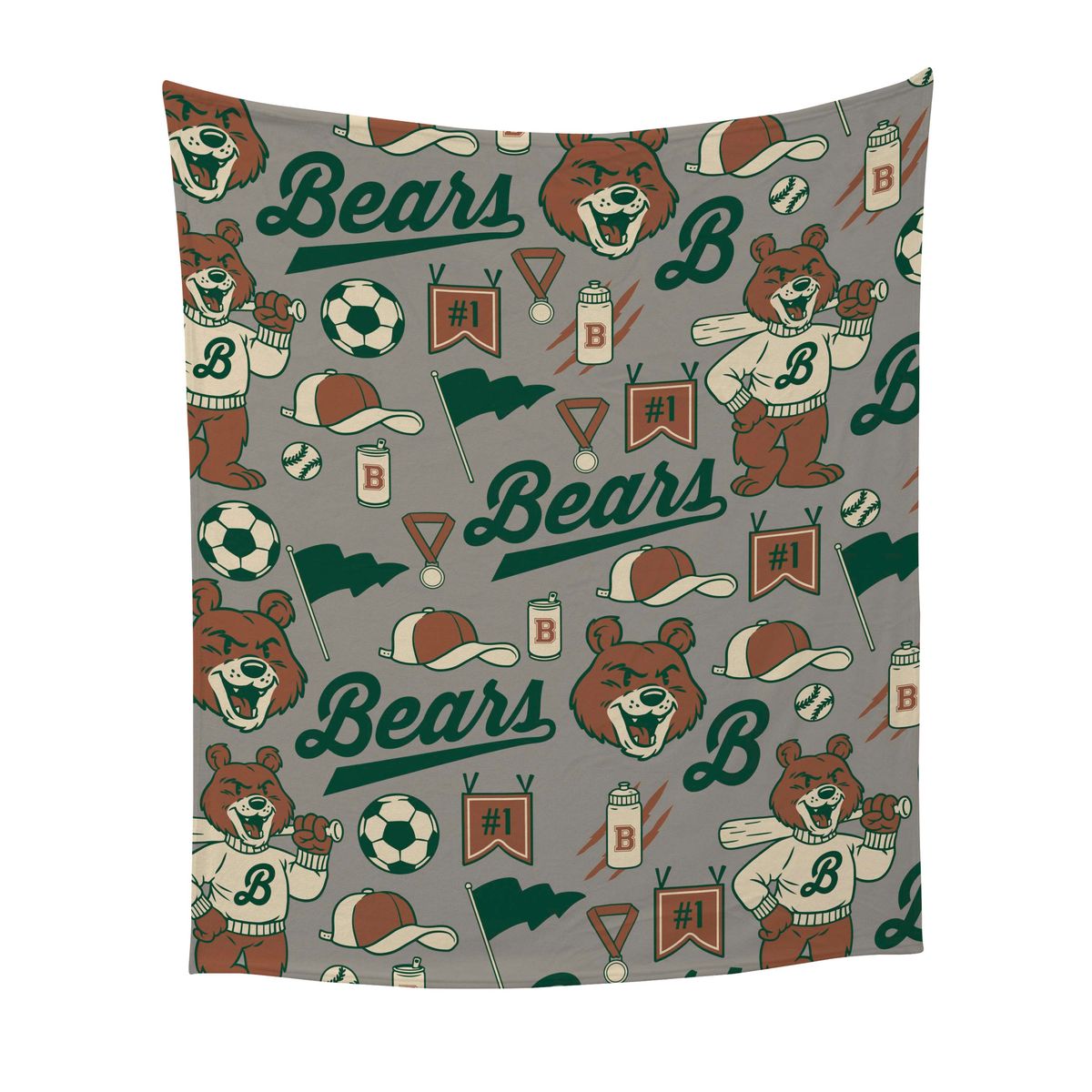
50" x 60" Plush Throw Blanket (Dye Sublimated)
#PTB-5060-DS
Pricing Details
Production Time: 3 Working Days
| Quantity | Price (USD) |
|---|
| 1 | $57.57 each |
| 3 | $55.86 each |
| 12 | $54.10 each |
| RRR |
- Vibrant Dye Sublimated Graphic allows for easy care and laundering
- Finished with a hemmed edge
- Minimum order of 6
Add a touch of luxury to your promotions with this 50" x 60" custom Plush Throw Blanket, combining exceptional softness with a beautiful showcase for your logo or design. Artwork is dye sublimated in rich, full color on soft velvet fabric, with an unprinted white reverse side and a neatly hemmed edge for a finished look. Perfect for corporate gifts, employee appreciation, holiday promotions and customer giveaways, this plush blanket combines cozy comfort with lasting brand exposure. Whether you're thanking valued clients or creating personalized merchandise, it's a thoughtful gift that provides warmth while keeping your brand top of mind. For easy care, machine wash on a cold, gentle cycle and tumble dry with no heat.
Normal Production Time
3 Working Days
Product Size
50" x 60"
Weight
2.1 lbs
Additional InformationImprint method: Full-Color Dye Sublimation.
Packaging: Bulk
Fabric: Soft Plush Fabric
Finish: Hemmed edge Edge
The printing method is a full-color dye-sublimation process. This is used for complex art, photographic images, and when color matching is important..
Price includes full dye sublimation, setup and proof.