Wireless Presentation Remote W/ Radio Frequency Technology
#PR-V850-OCEAN
Pricing Details
Production Time: 15 Working Days
| Quantity | Price (USD) |
|---|
| 100 | $17.62 each |
| 250 | $16.95 each |
| 500 | $16.28 each |
| 1000 | $15.62 each |
| RRRR |
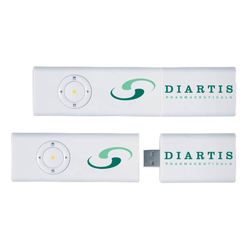
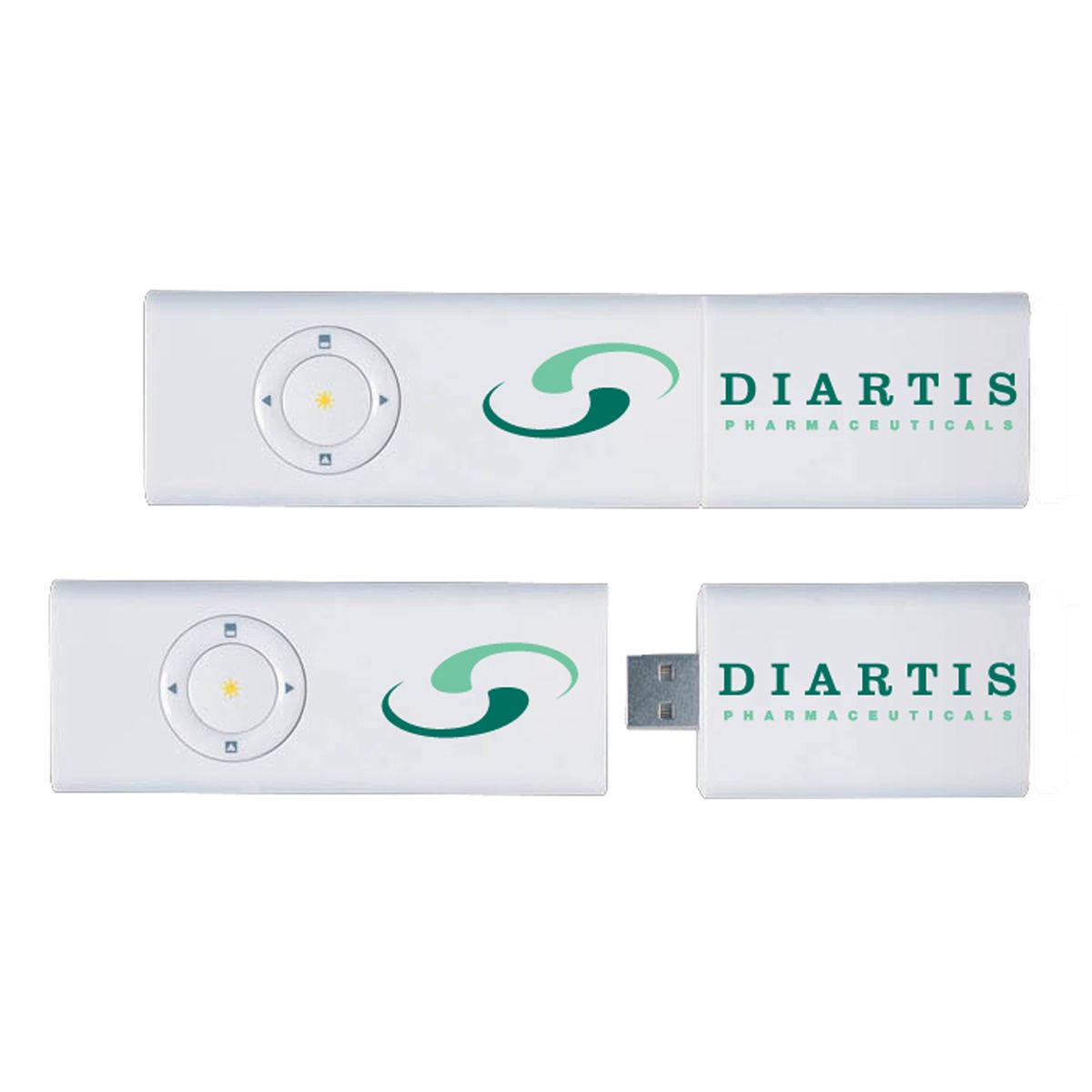
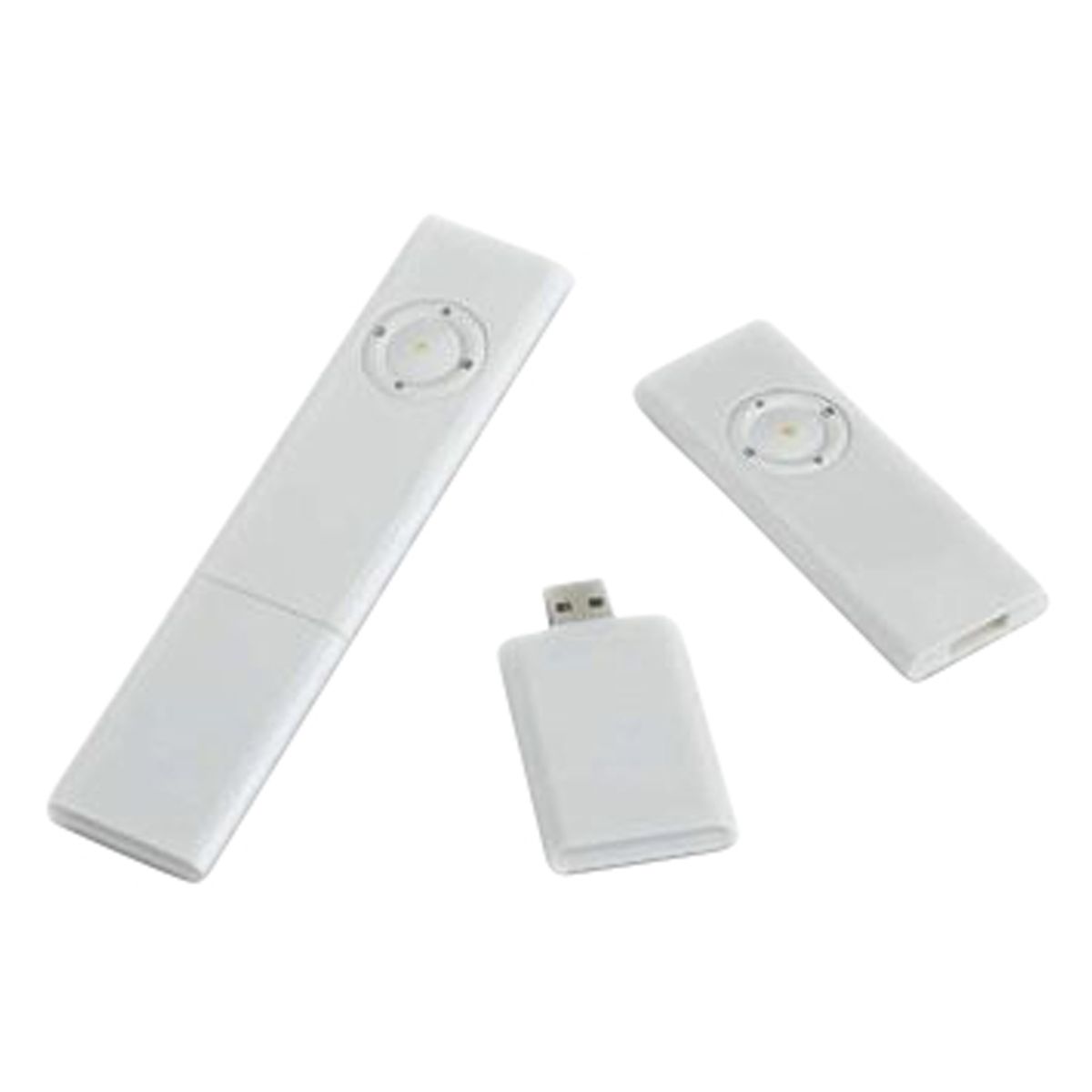
- This wireless presentation remote control boasts radio frequency technology that allows for full 360-degree control of your presentation.
- Its sleek design includes a built-in laser pointer and the option for built-in flash memory.
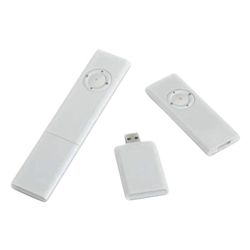
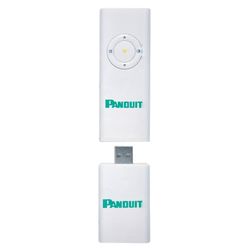
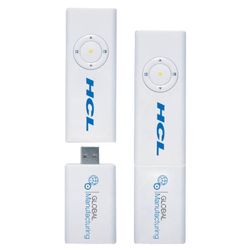
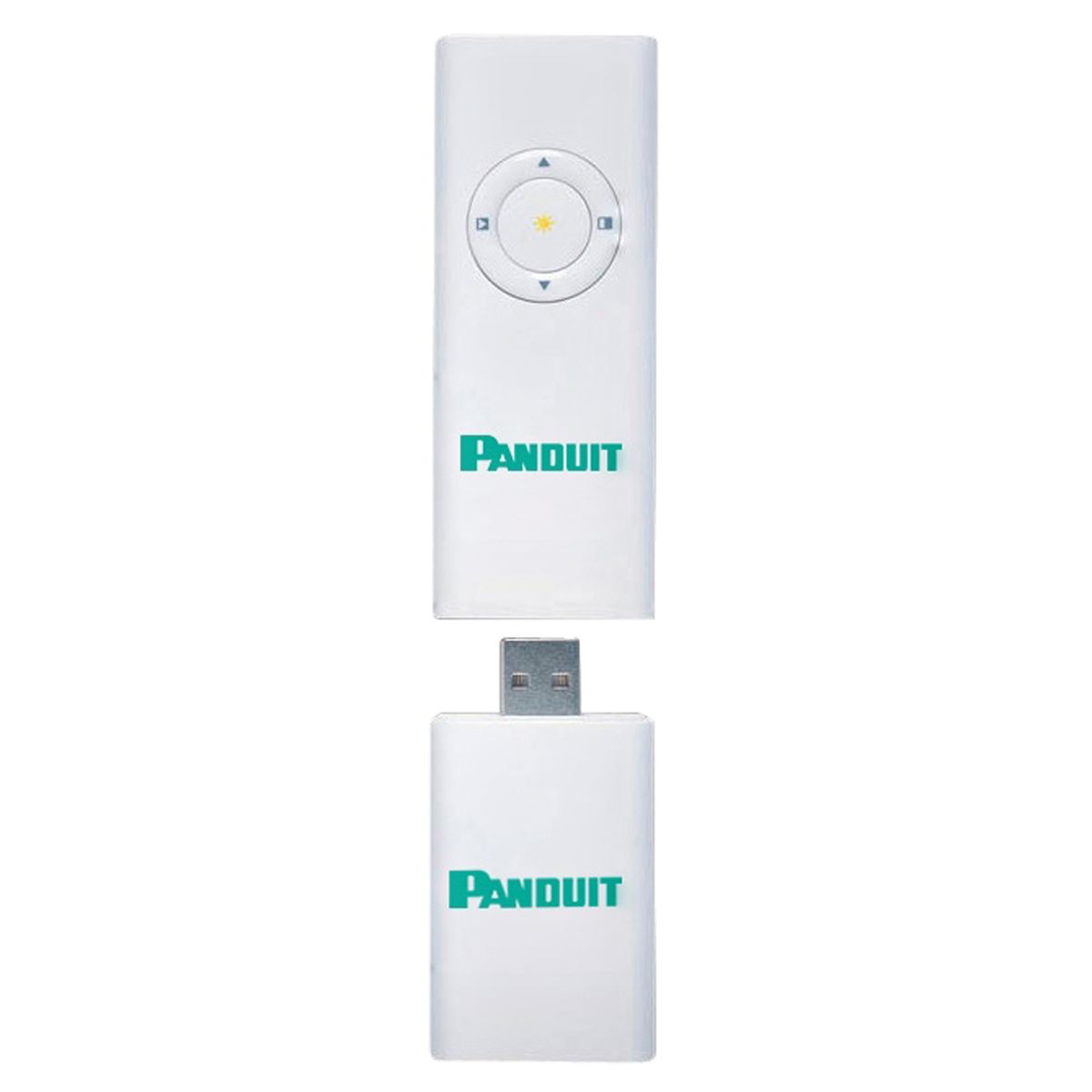
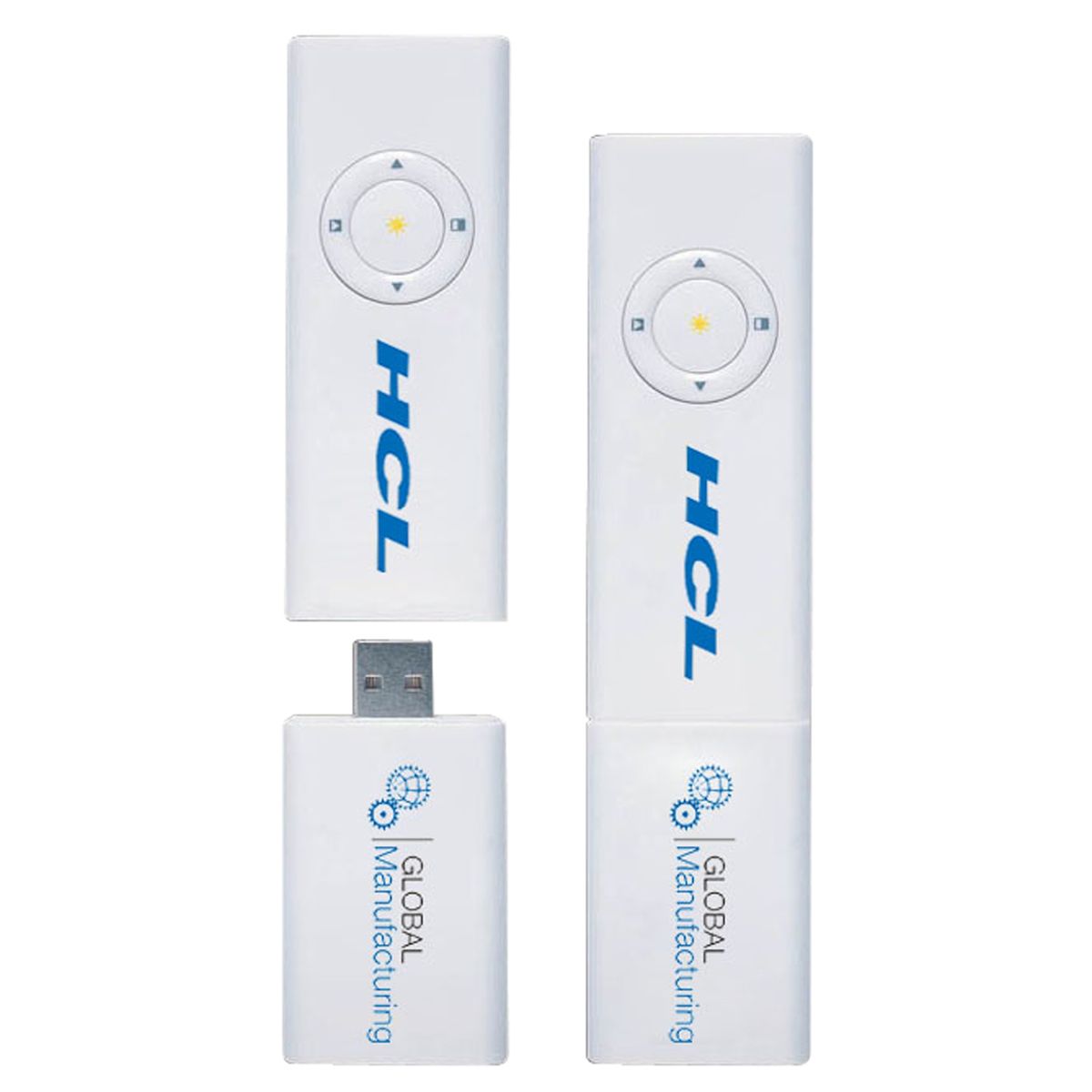
- The remote control and USB receiver can be connected together for convenient portability.
- It also has the added convenience of supporting memory and comes with batteries included.
- Wireless Presentation Remote W/ Radio Frequency Technology
Description
This wireless presentation remote control boasts radio frequency technology that allows for full 360-degree control of your presentation. Its sleek design includes a built-in laser pointer and the option for built-in flash memory. The remote control and USB receiver can be connected together for convenient portability. It supports slide shows and the ability to blank the screen, making it the perfect tool for a smooth and professional presentation experience. It also has the added convenience of supporting memory and comes with batteries included.
Normal Production Time
15 Working Days
Product Size
0.35" L X 1.34" W X 5.47" H
Country of Manufacture
China
Additional InformationColors: White, Black
Imprint Method: Screen Print
Imprint Size: 1.40”W x .80”H on remote. 1.50”W x .80”H on receiver. Option 3: 2.0” W x .80”H
Setup (R): $66.66, Up to 2 Spot Colors / 1 Location
Repeat Setup (R): $33.33 Within One Year
Additional 3rd And 4th Colors Or Location: Run Charge (R) $0.42
Full Color: Setup (R) $66.66, Run Charge (R) $0.83
Overseas Production: 10 To 15 Working Days
Packaging: Gift Box
Packing Info: 13" X 10" X 11"; 15" X 13" X 12", 22 lbs., 50 pcs
Price Includes Shipping: Yes
FOB: Freight to One Location in US and Canada