Custom LED Magnifying Glass For Reading MOQ20
#DPBVMA00111
Pricing Details
Production Time: 8 Working Days
| Quantity | Price (USD) |
|---|
| 20 | $12.51 each |
| 50 | $7.04 each |
| 100 | $5.42 each |
| 200 | $4.23 each |
| 500 | $3.09 each |
| 1000 | $2.82 each |
| 2000 | $2.76 each |
| 3000 | $2.73 each |
| 5000 | $2.44 each |
| 10000 | $2.41 each |
| RRRRRRRRRR |
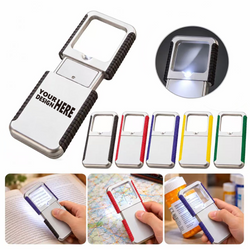
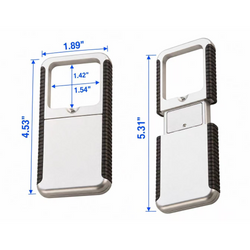
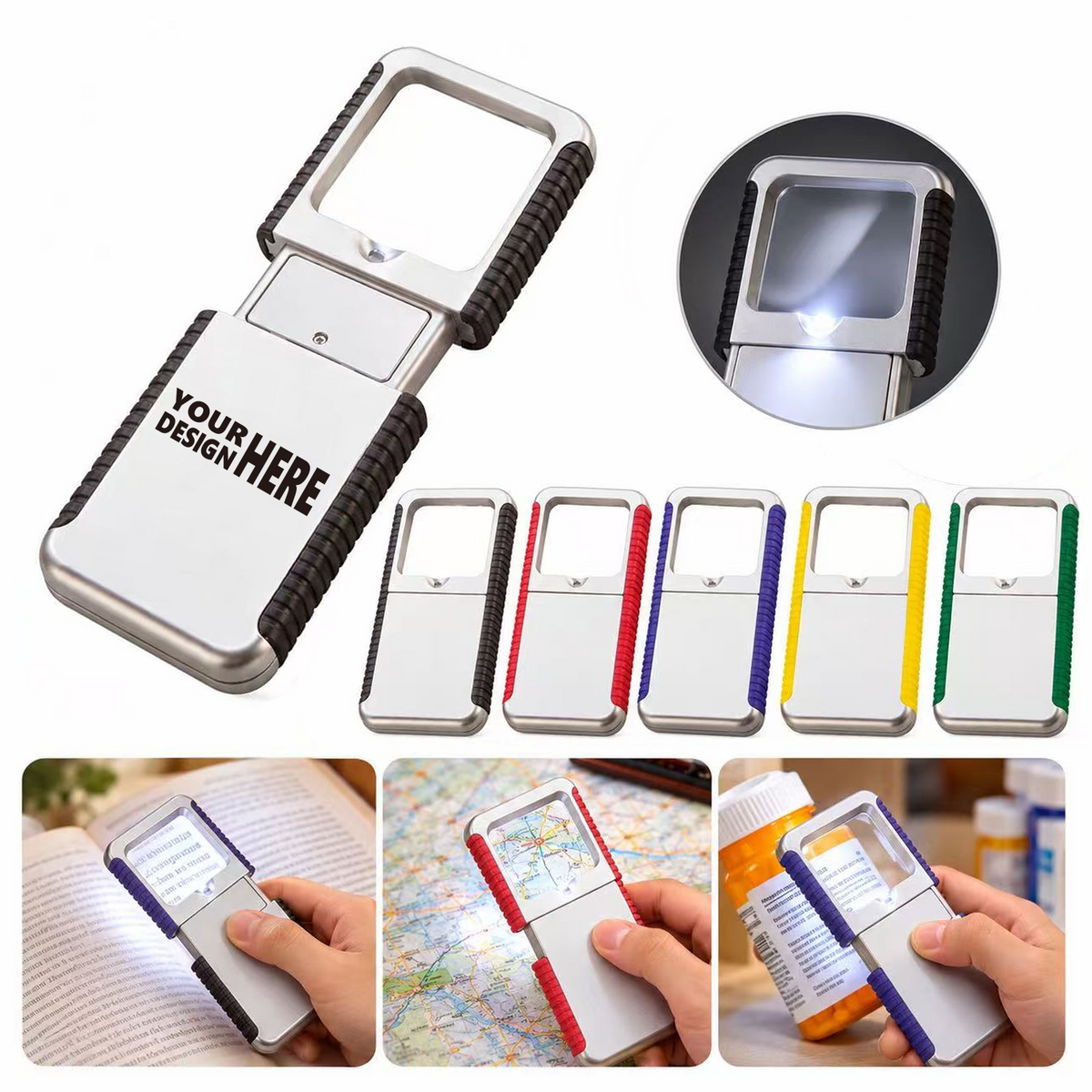
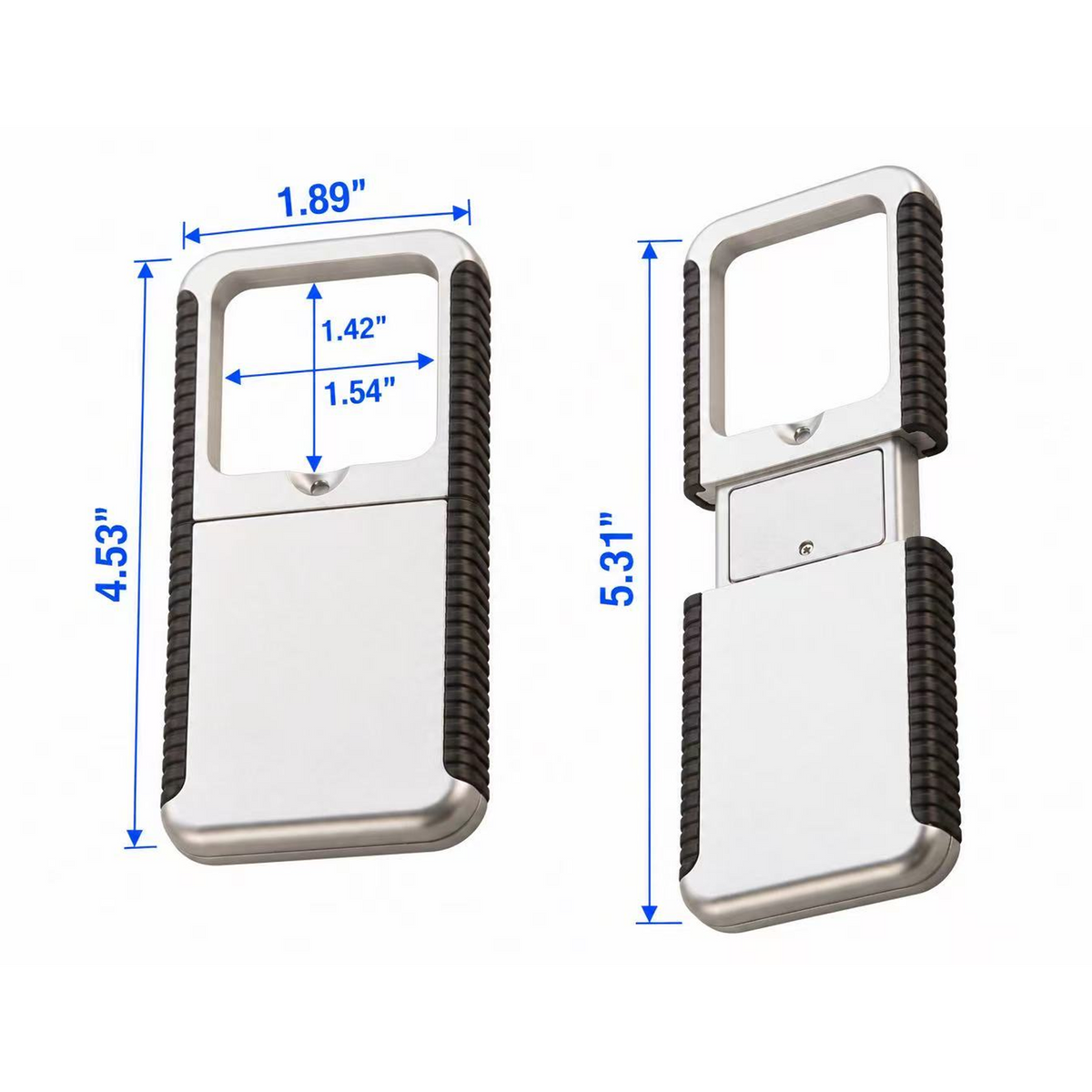
Check a label, follow a printed route, or inspect a stitch with this lighted reading aid. The rectangular PS lens offers 10X magnification, supported by an ABS housing and textured PP edges. Its sliding body is approximately 4.53" x 1.93" x 0.47" when closed, reaching 5.31" in length when opened. Extend the unit to turn on the LED, then retract it to turn the light off. A screw-fastened battery cover secures two 1220 button cells. Black, red, purple, yellow, and green trim options are shown. Print a custom logo for event giveaways or education campaigns, with artwork placement reviewed before production.
Normal Production Time
8 Working Days
Product Size
Length:4.53:in;Width:1.89:in;Height:0.47:in
Weight
0.106 lbs
Additional InformationCustom logo magnifier measuring 4.53" x 1.93" x 0.47", with 10X viewing and a pull-activated LED light.