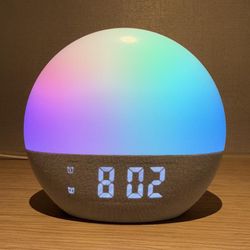
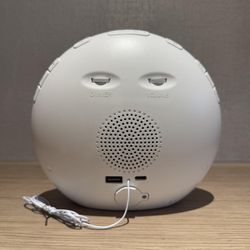
Alarm Clock with Sound Machine - Wake Up Light
#AP3260
Pricing Details
Production Time: 15 Working Days
| Quantity | Price (USD) |
|---|
| 100 | $34.50 each |
| 500 | $30.30 each |
| 1000 | $28.80 each |
| 3000 | $27.30 each |
| 5000 | $25.20 each |
| RRRRR |
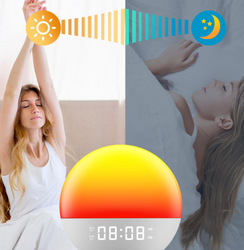
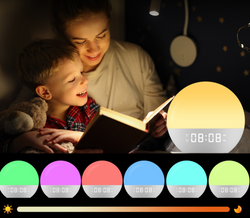
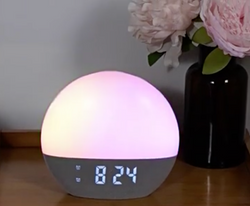
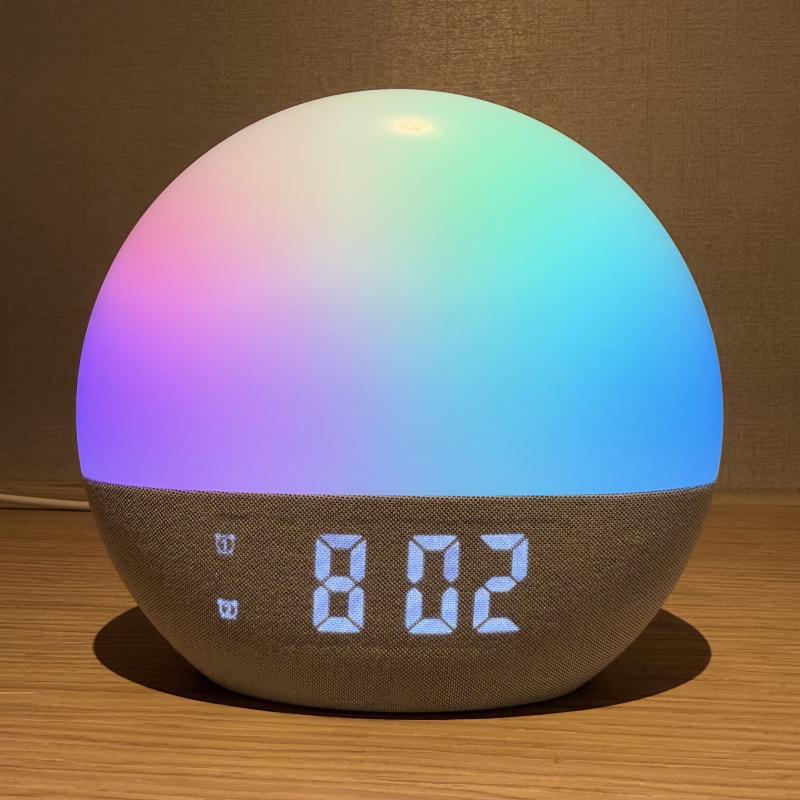
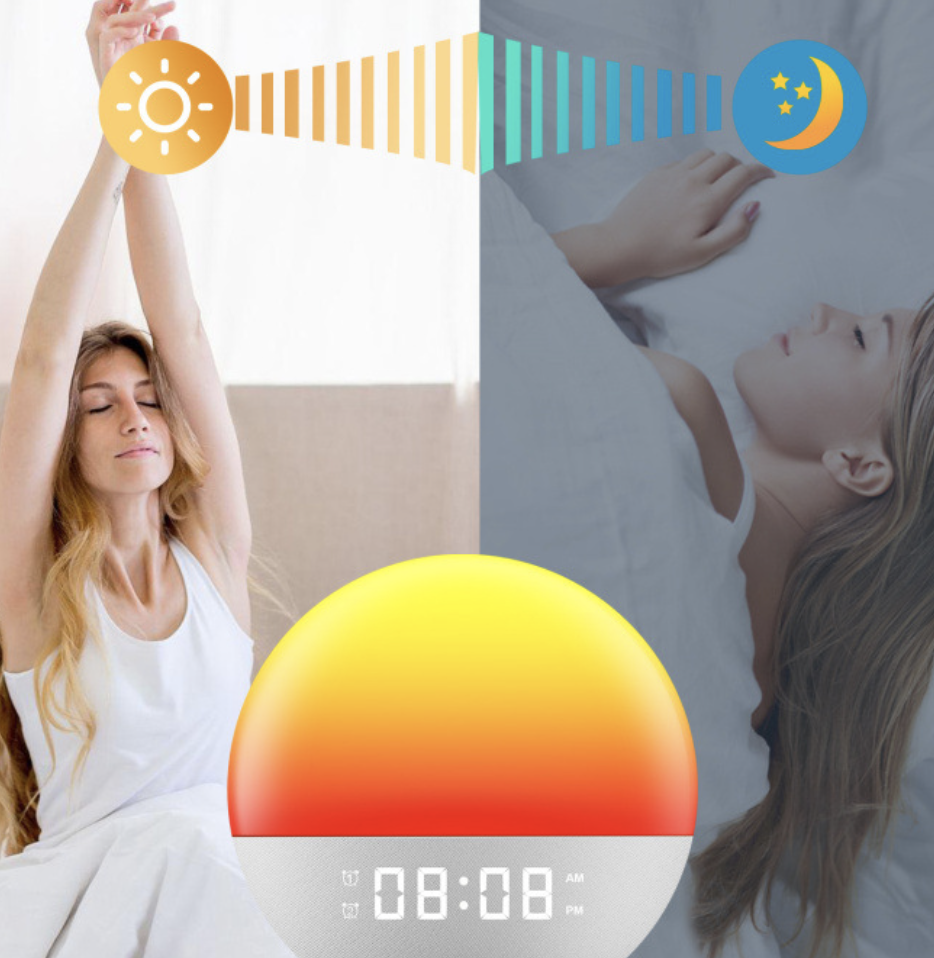
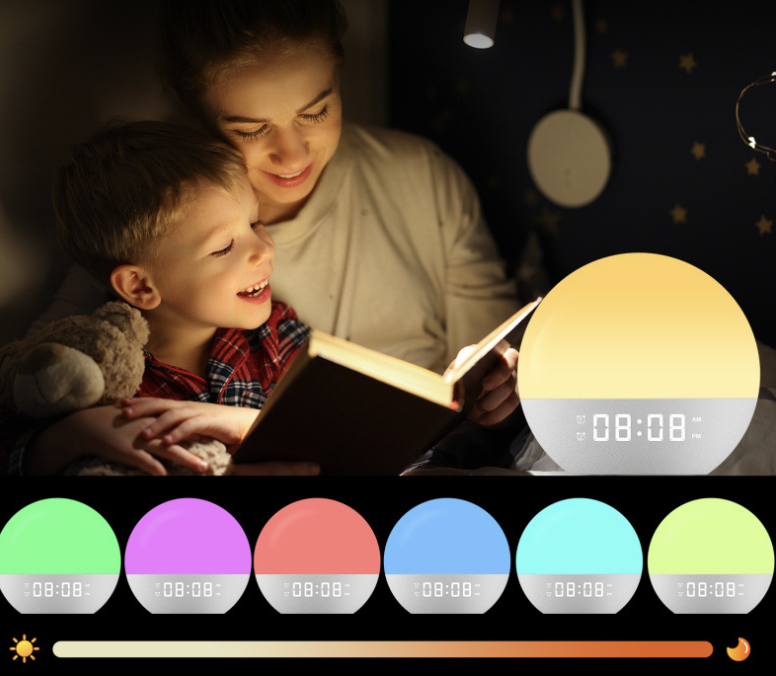
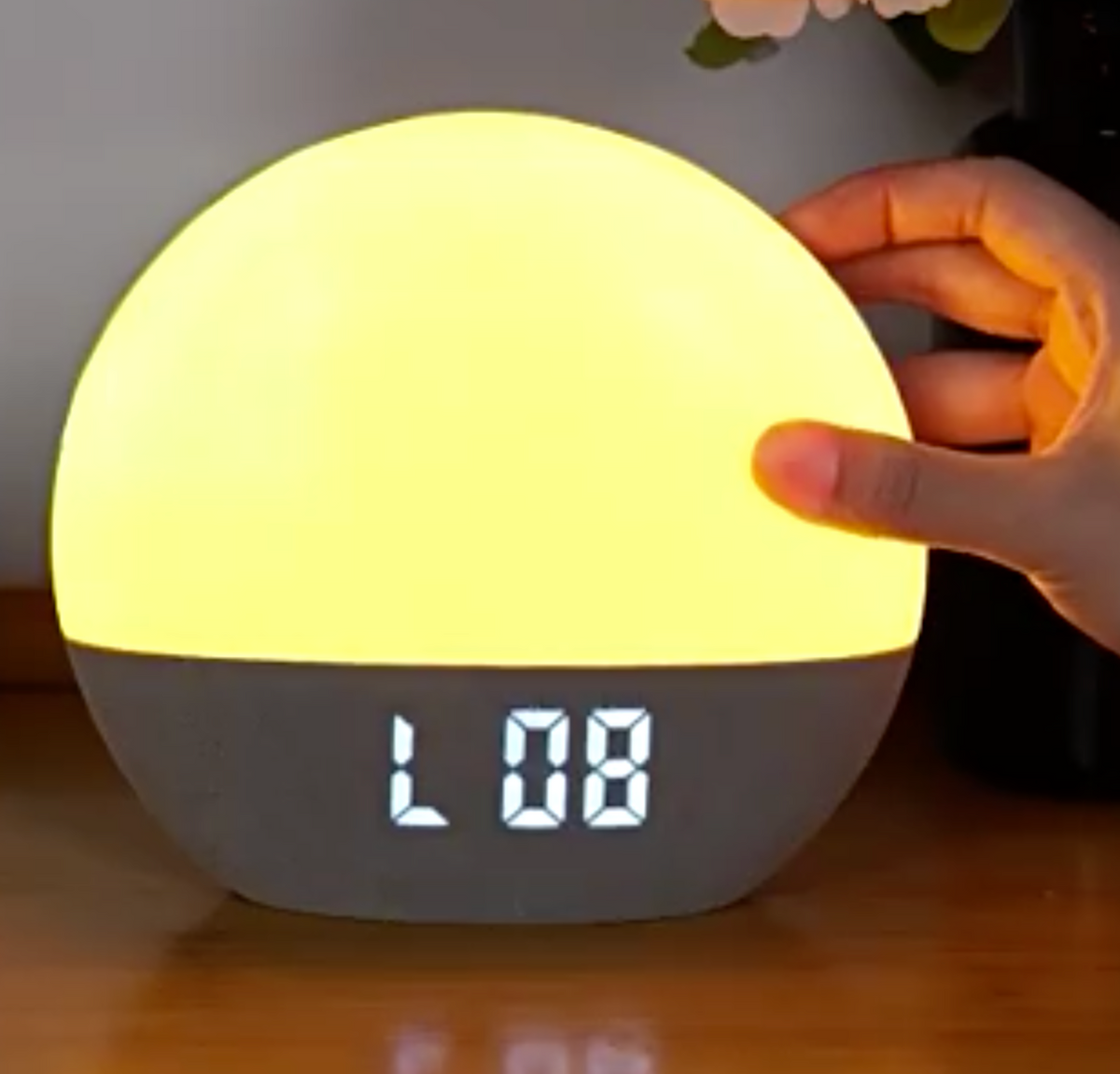
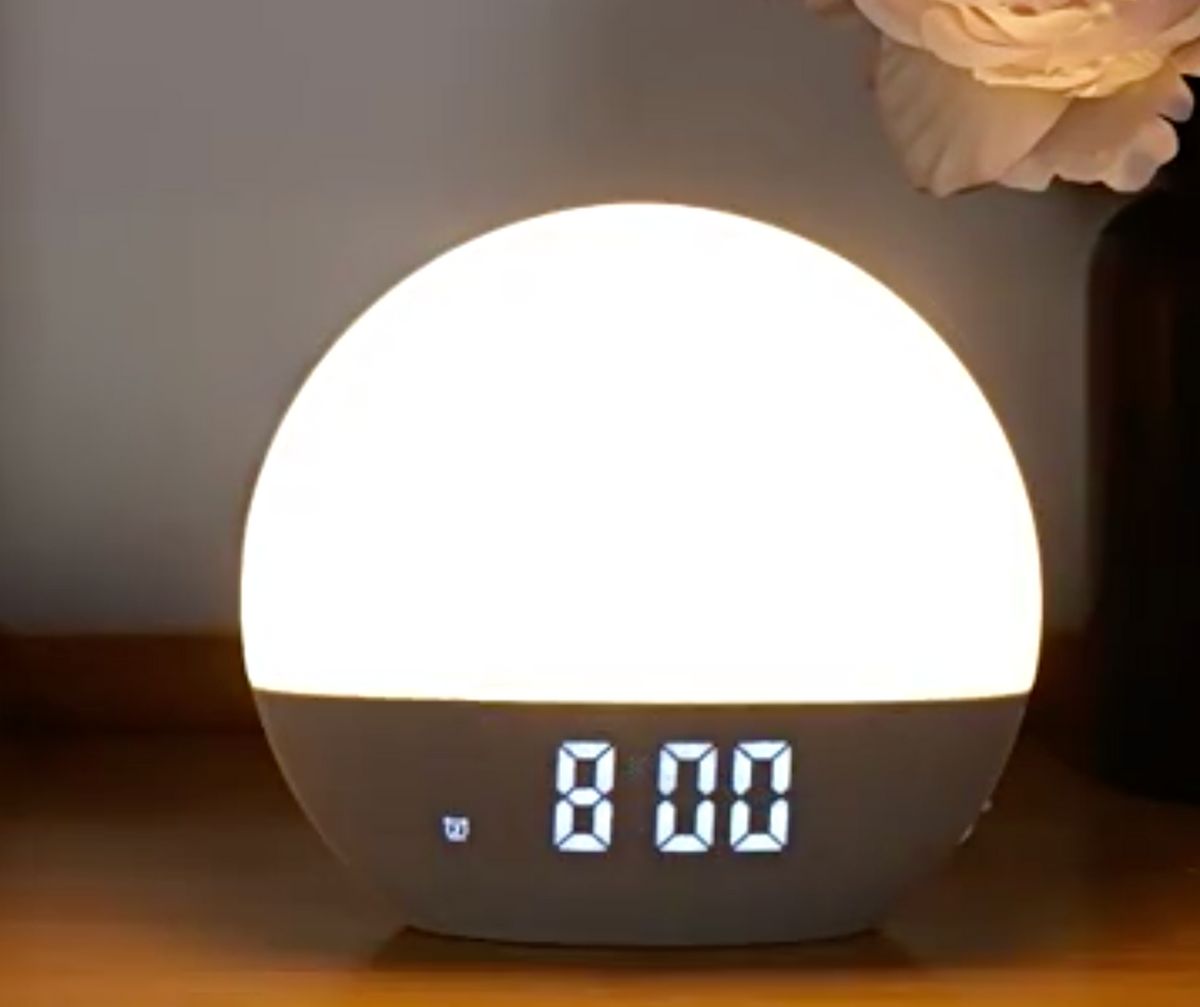
Wake up naturally with a gradual sunrise simulation. Sunrise light gradually brightens from 1% to 100% over your chosen 10-60 minute period before alarm, helping you rise refreshed and energized. Say goodbye to harsh wake-ups and enjoy a serene start to your day. Set two independent alarms to suit different schedules. Perfect for couples, roommates, or heavy sleepers who need an extra wake-up call. Whether it’s a second chance to rise or different wake times, this feature ensures no one misses their alarm.
Normal Production Time
15 Working Days
Product Size
6.6"x3.14"x6.1"
Weight
360g
Country of Manufacture
China
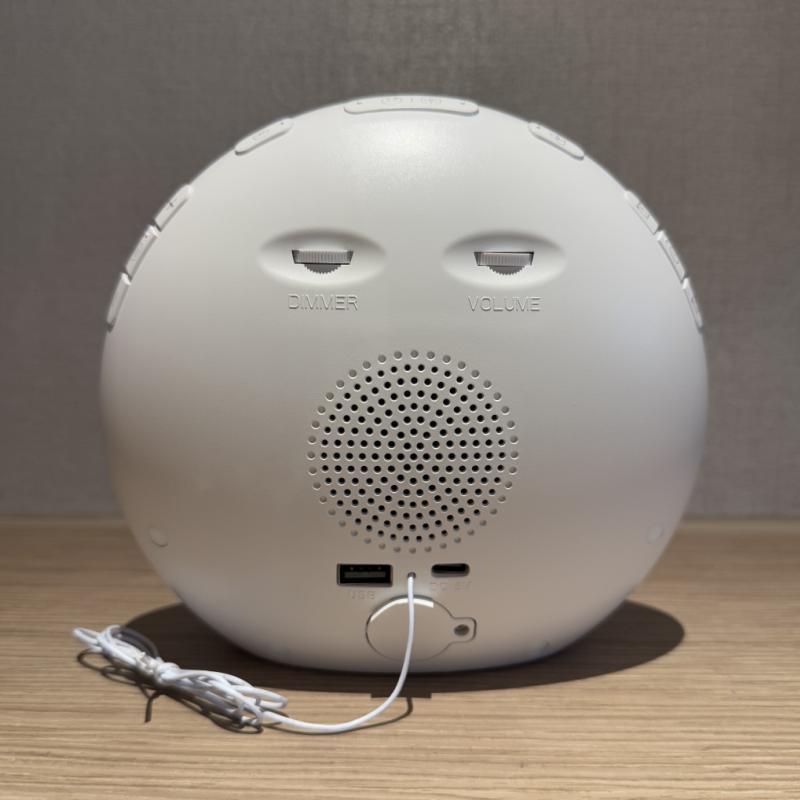
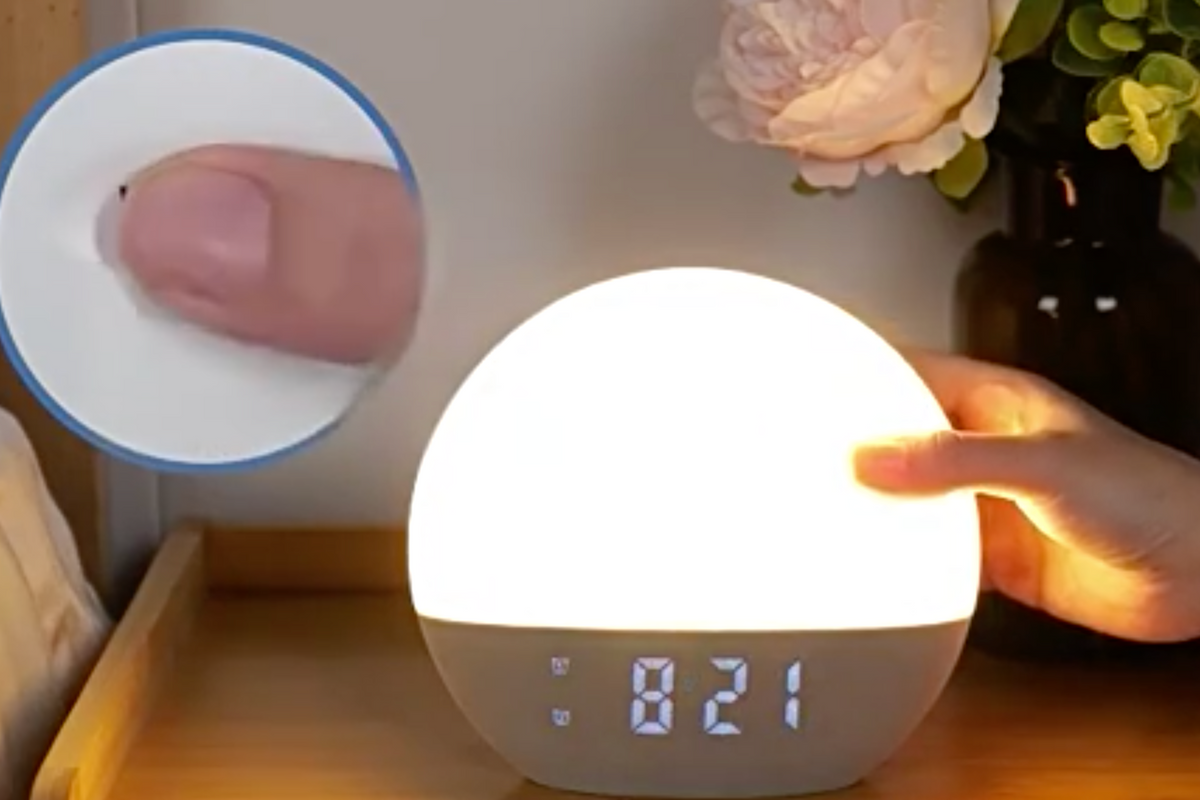
Additional InformationWith the intuitive snooze function, you can extend your rest with a single tap. Perfect for those who need a short nap before fully waking up, ideal for heavy sleepers or morning struggles
Material: ABS.
Your logo can be imprinted on the alarm.