Wireless Presentation Remote with Red Laser Pointer and Blank Screen Control
#PR-V188B-OCEAN
Pricing Details
Production Time: 15 Working Days
| Quantity | Price (USD) |
|---|
| 100 | $22.03 each |
| 250 | $21.37 each |
| 500 | $20.80 each |
| 1000 | $20.22 each |
| RRRR |
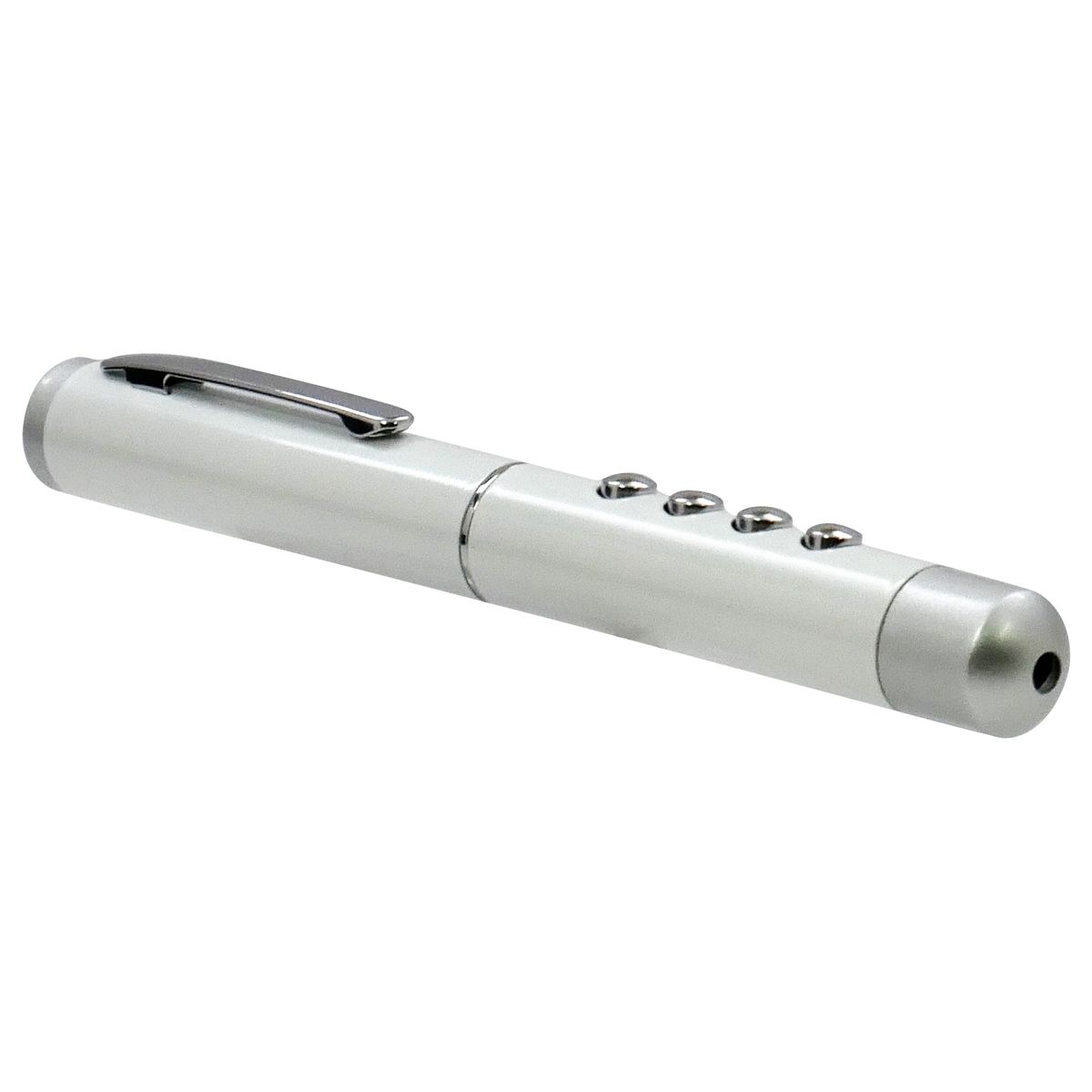
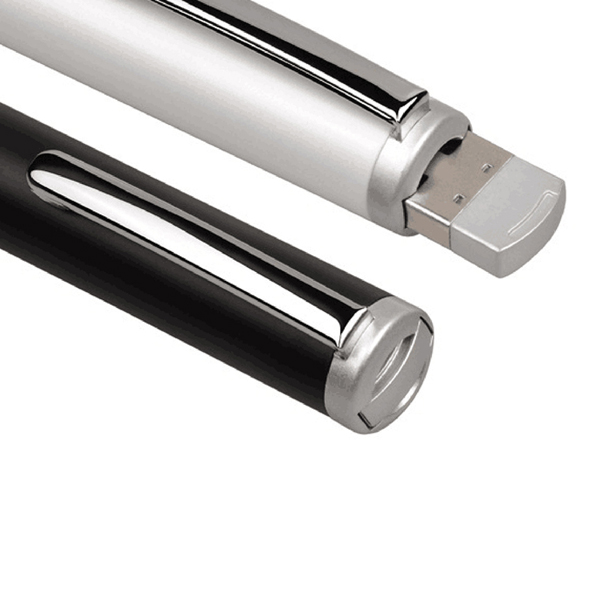
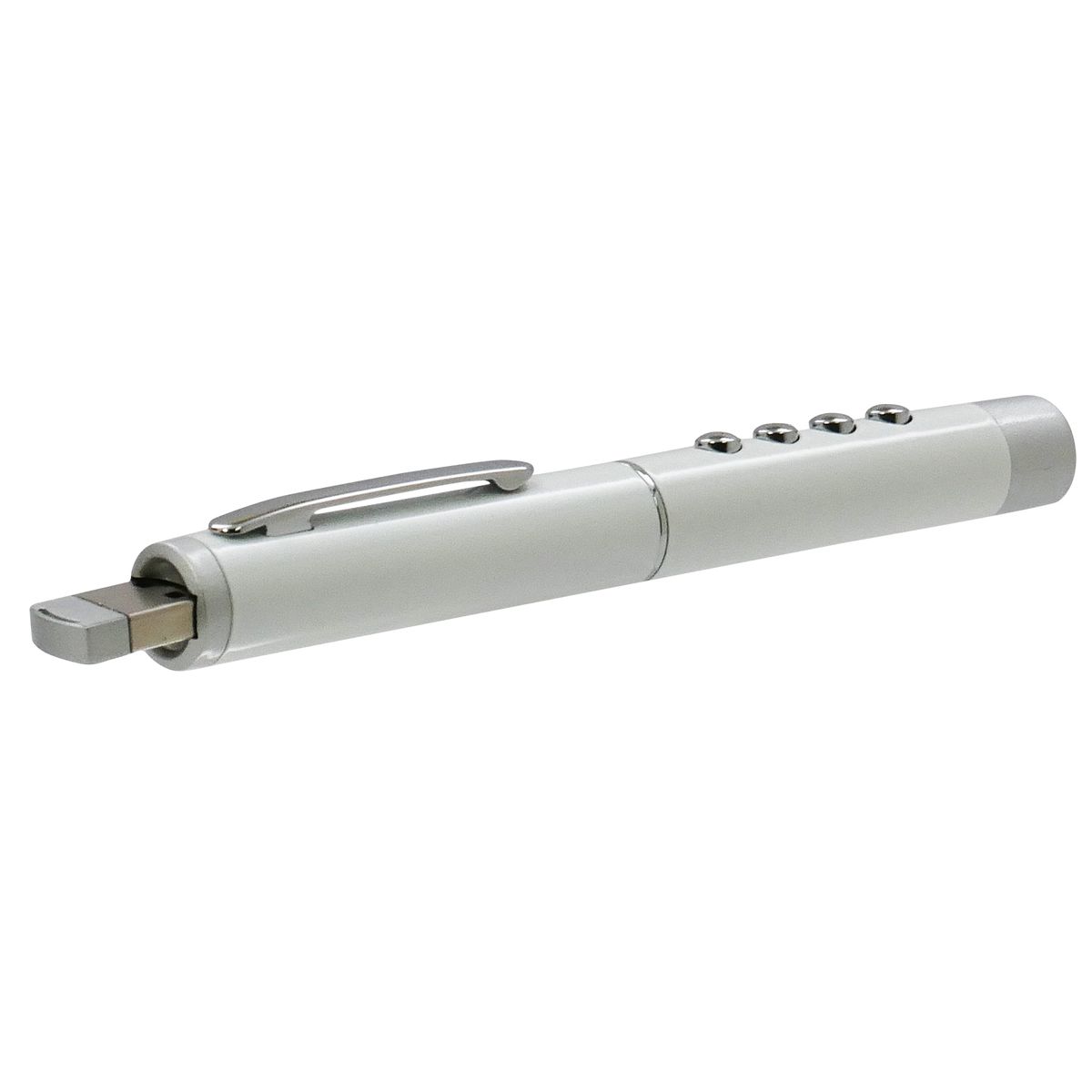
- This wireless presentation remote, in the shape of a pen
- utilizes high-frequency radio technology, allowing you to control your presentation from any direction.
- It also features a powerful red laser pointer for pointing at long distances.
- The rubber paint finish provides a smooth feel.
- Strong red laser pointer can point to long distance.
Description
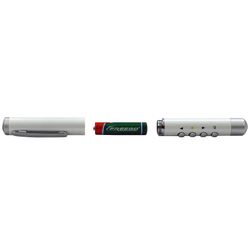
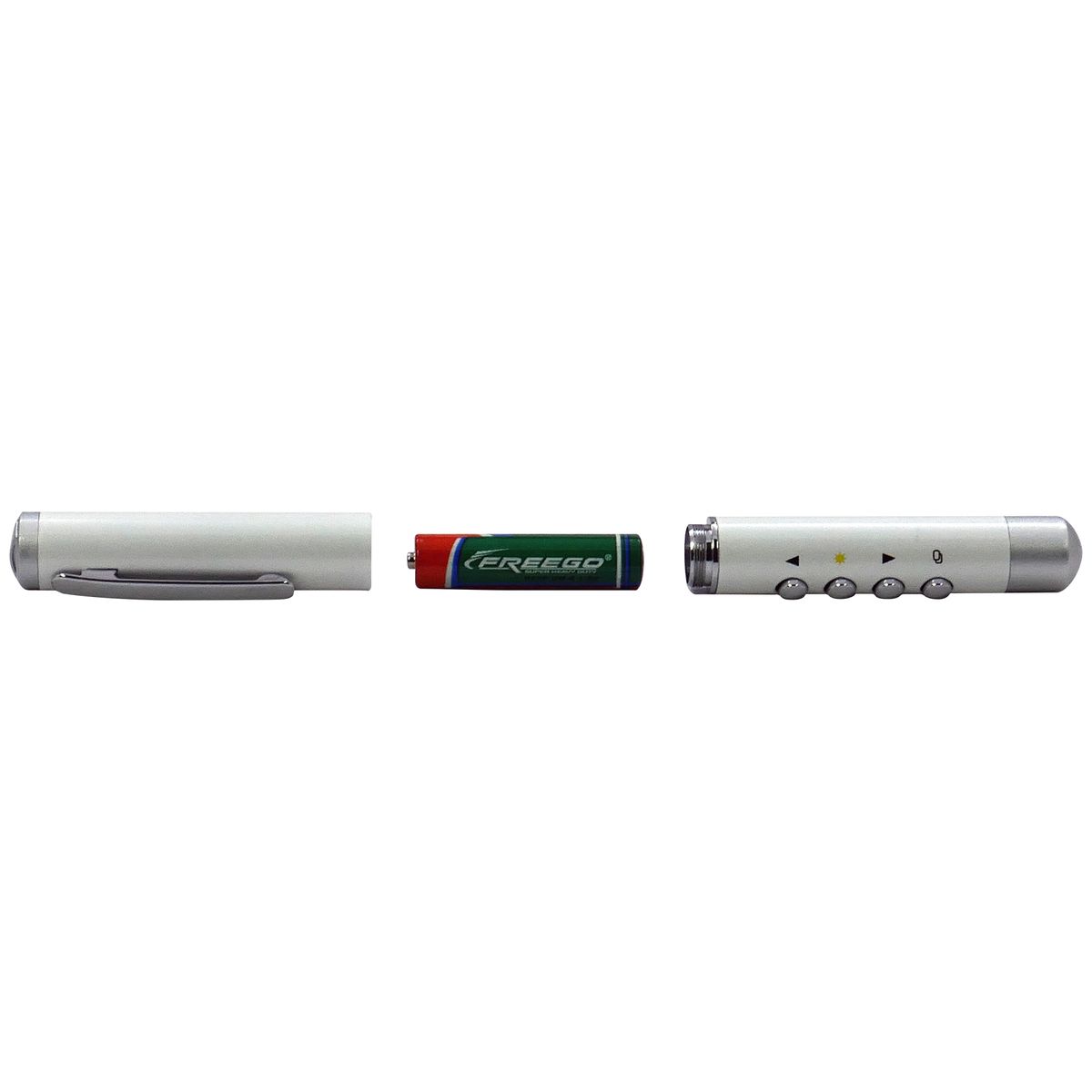
This wireless presentation remote, in the shape of a pen, utilizes high-frequency radio technology, allowing you to control your presentation from any direction. It also features a powerful red laser pointer for pointing at long distances. The built-in buttons for page up, page down, red laser, and blank screen are easy to use. The rubber paint finish provides a smooth feel. Complies with Prop 65, RoHS.
Normal Production Time
15 Working Days
Product Size
0.53" L X 5.11" W X 0.53" H
Country of Manufacture
China
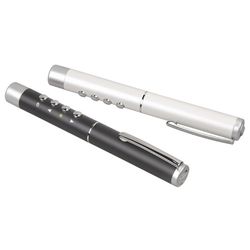
Additional InformationColors: Black; Pearl White
Imprint Method: Screen Print
Imprint Size: 0.44" w x 2.95" h
Setup (R): $66.66, Up to 2 Spot Colors / 1 Location
Repeat Setup (R): $33.33 Within One Year
Additional 3rd And 4th Colors Or Location: Run Charge (R) $0.42
Full Color: Setup (R) $66.66, Run Charge (R) $0.83
Overseas Production: 10 To 15 Working Days
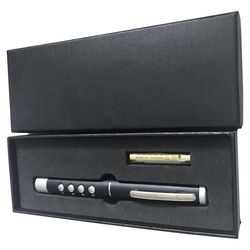
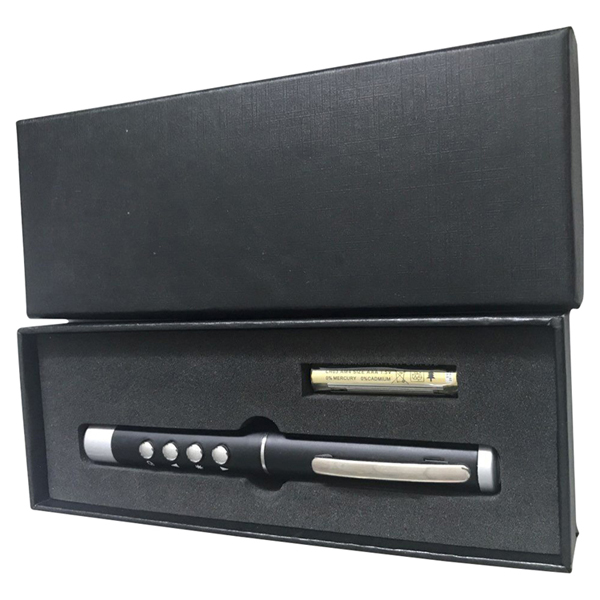
Packaging: Black gift box
Packing Info: 15" X 13" X 12", 22 lbs., 50 pcs
Price Includes Shipping: Yes
FOB: Freight to One Location in US and Canada