Dan Stylus Tool with Laser Pointer
#KP368
Pricing Details
Production Time: 10 Working Days
| Quantity | Price (USD) |
|---|
| 100 | $5.75 each |
| 250 | $5.60 each |
| 500 | $5.30 each |
| 1000 | $5.10 each |
| 2500 | $4.88 each |
| RRRRR |
$45.00 each
V
Dan Stylus Tool with Laser Pointer
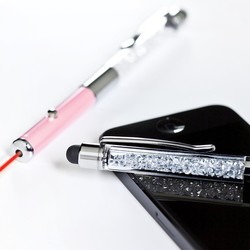
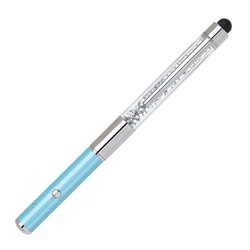
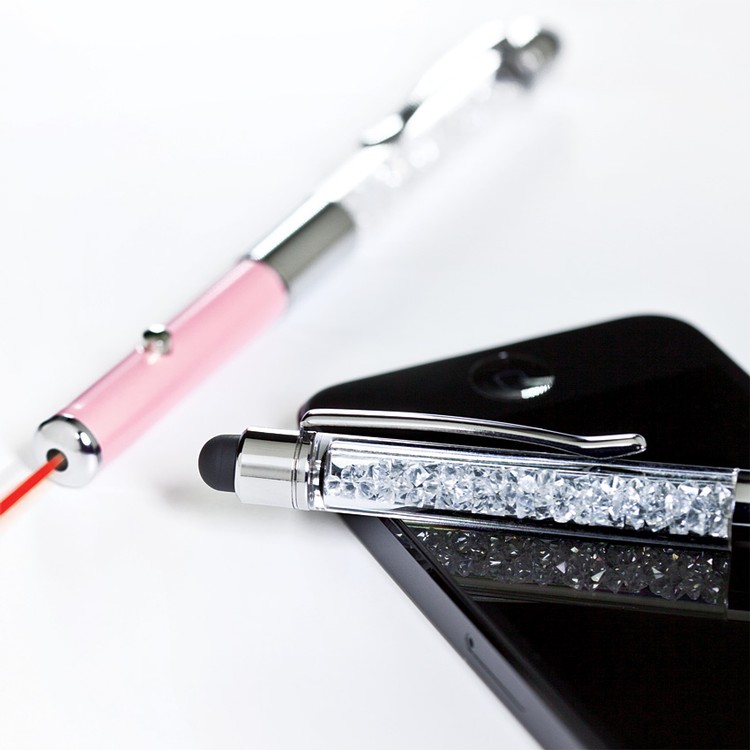
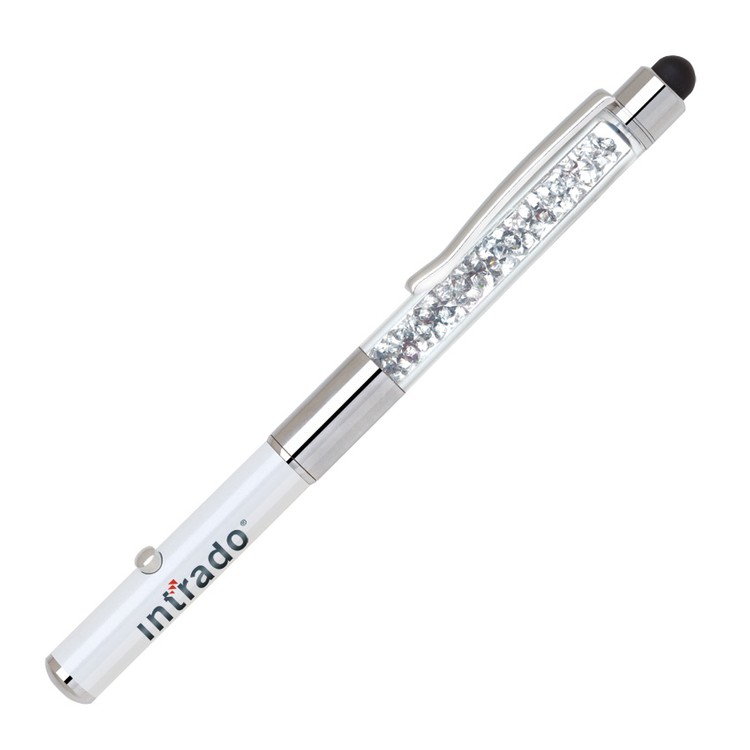
2 in 1 Stylus Tool / Laser Pointer
Pearlized Lower Barrel in Fun Colors
Upper Barrel Features a Sparkling Clear Crystal Insert
Laser Engraves in Silver
Packed in a Free Gift Box ( No Imprint )
Imprint on Gift Box Add $0.25 (v) plus Setup
Function design includes a capacitive soft touch stylus fully compatible with iPad, iPhone, iTouch, and all other touch screens
Price includes one color/ position Laser Engrave, Silk Screen
Additional Laser Engrave Position @ $0.35 (v) Plus Setup
Additional Imprint Position @ $0.25 (v) Plus Setup
Additional Color Running Charge @ $0.20 (v) Plus Setup
Colors: Light Blue, Pearl White, Pink
Imprint Area:
Silkscreen: 7/8” h x 1 1/2” - Barrel
Engraving: 5/16” H x 1 1/2” W - Barrel
Standard Production: 5-10 Working Days from Proof Approval
Rush Available
FOB: CA 92821 500 pcs / 32 lbs
Normal Production Time
10 Working Days