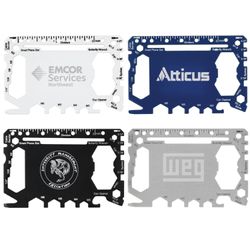
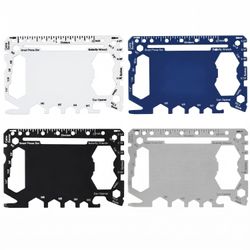
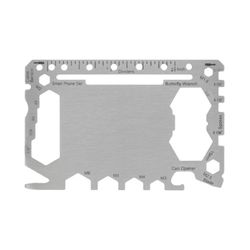
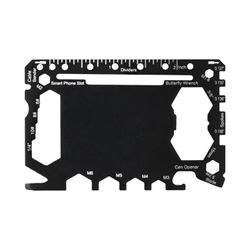
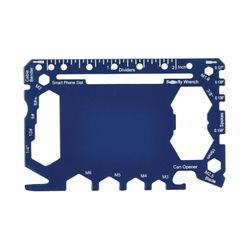
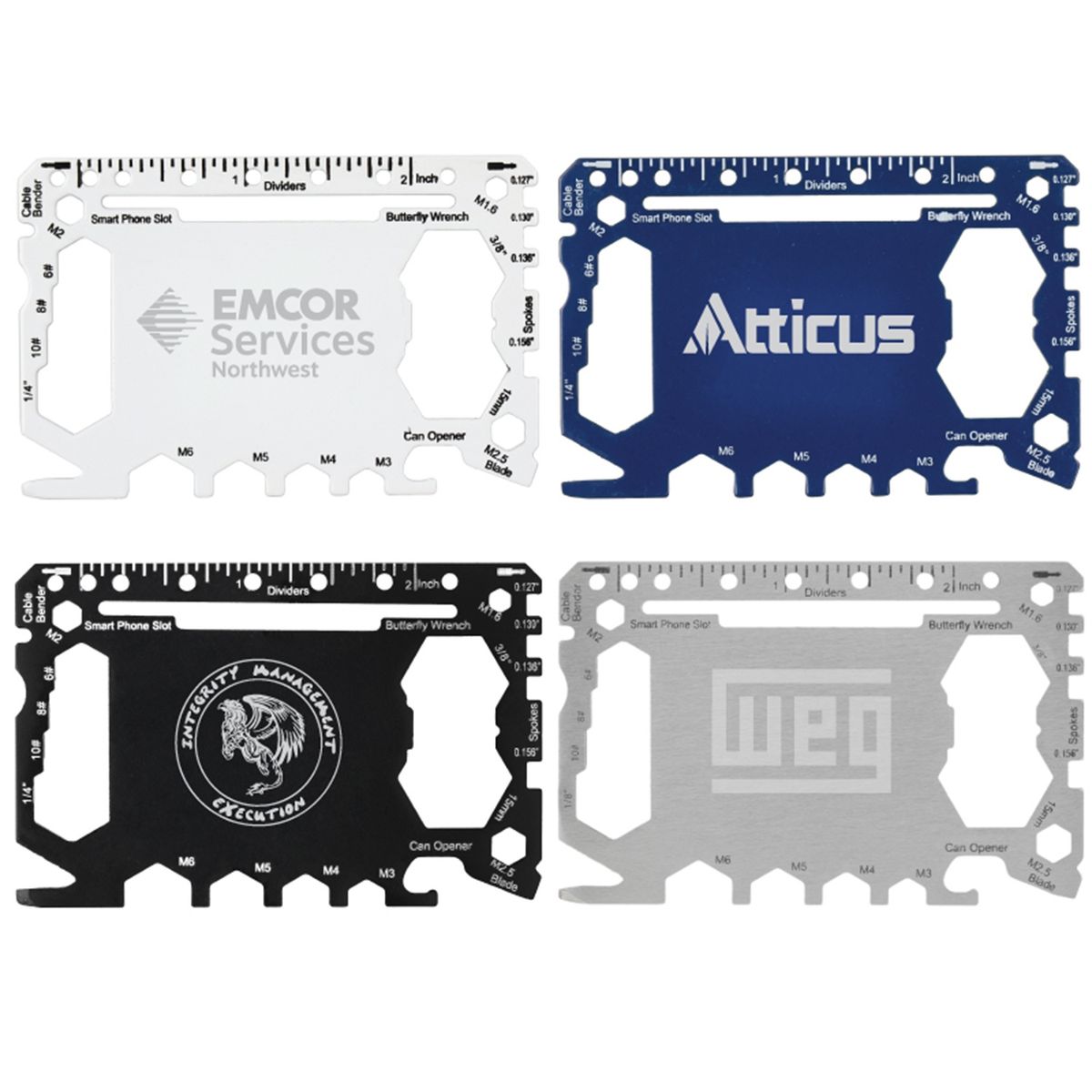
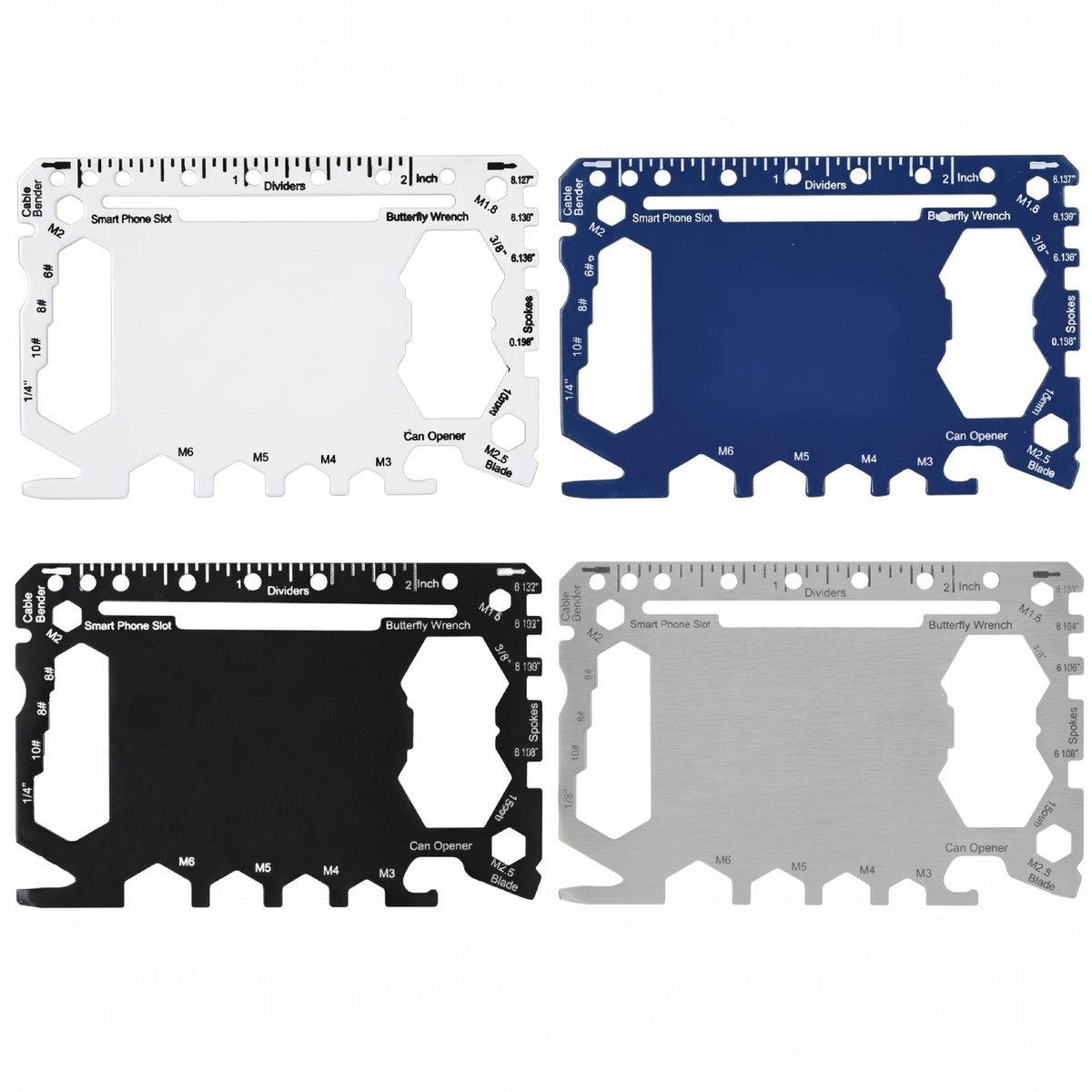
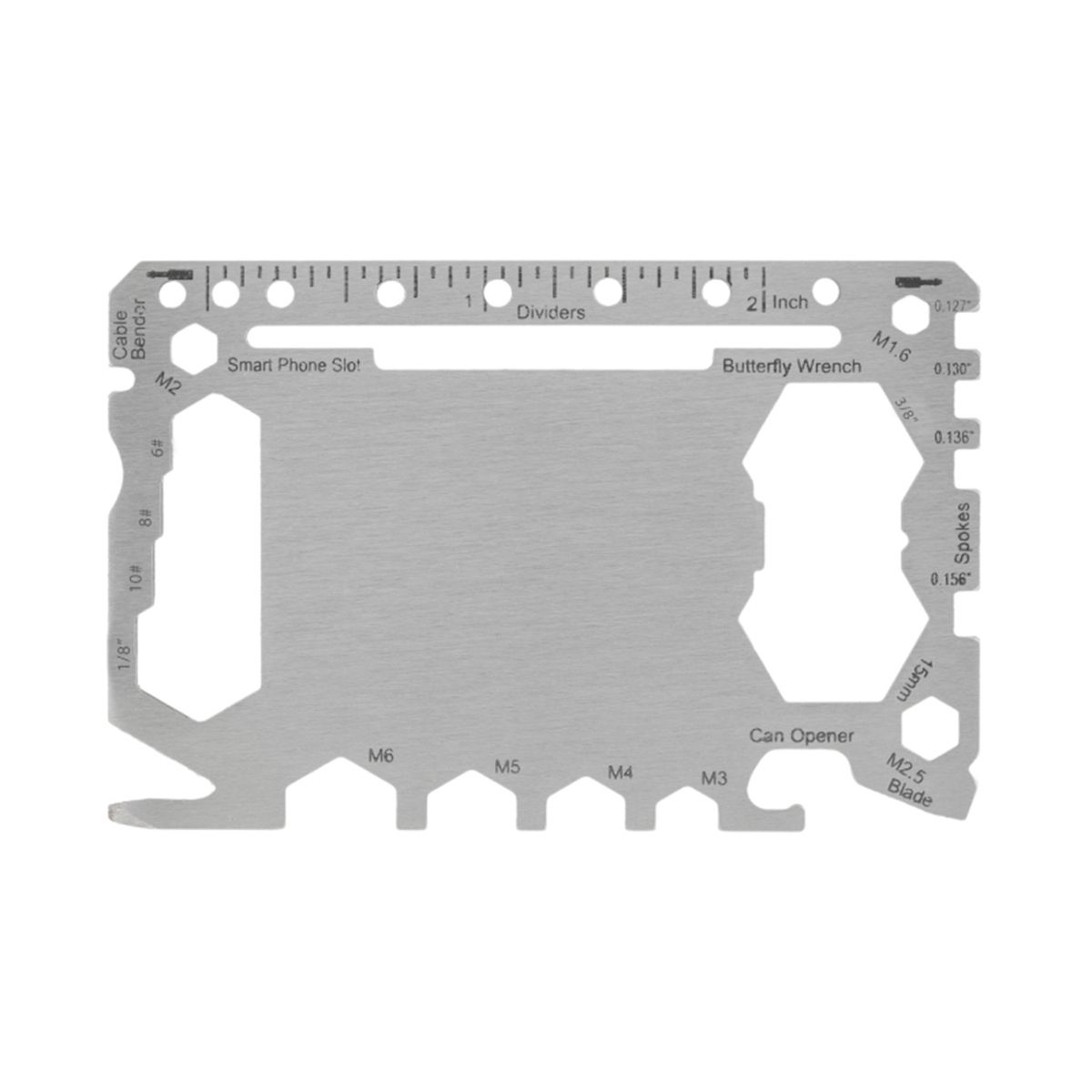
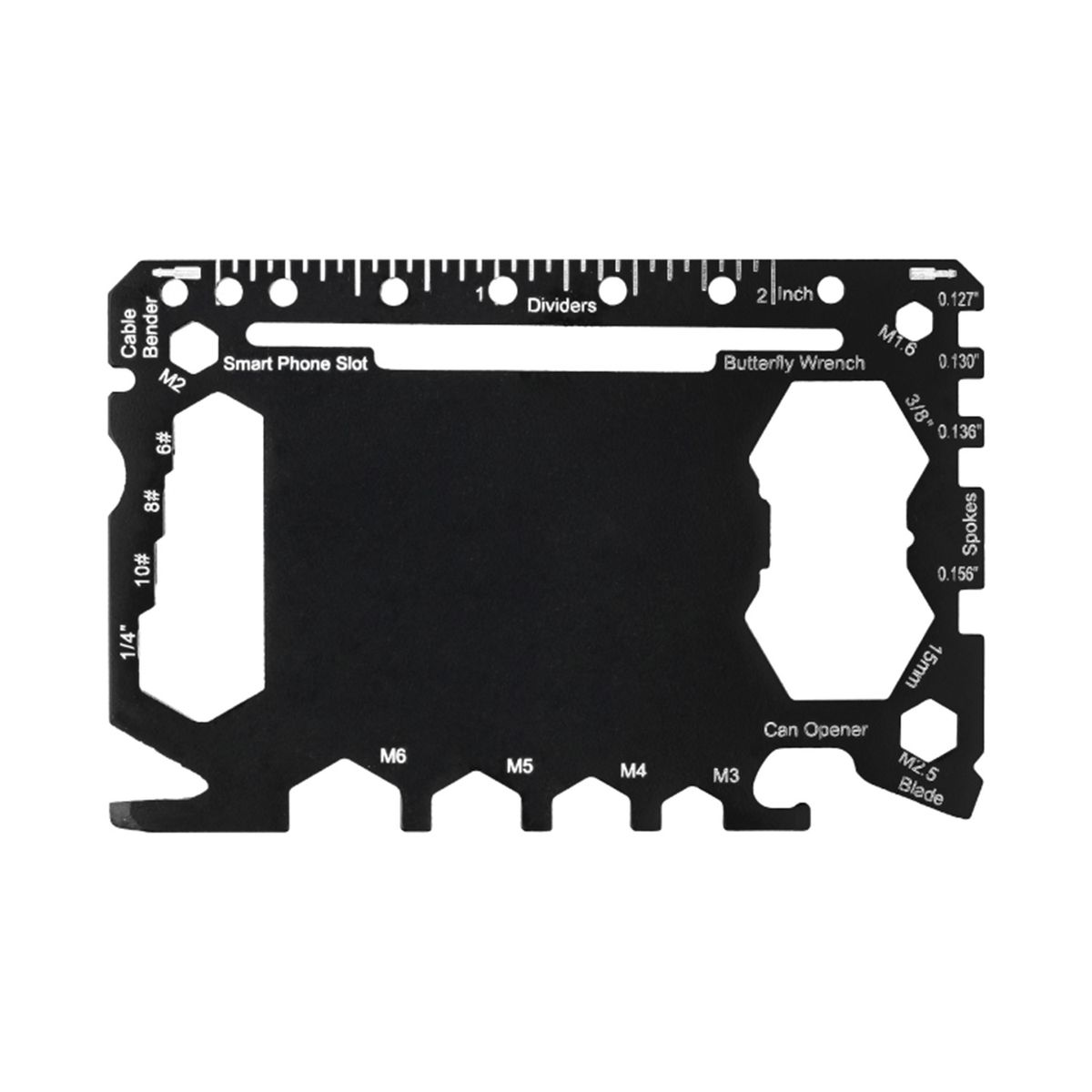
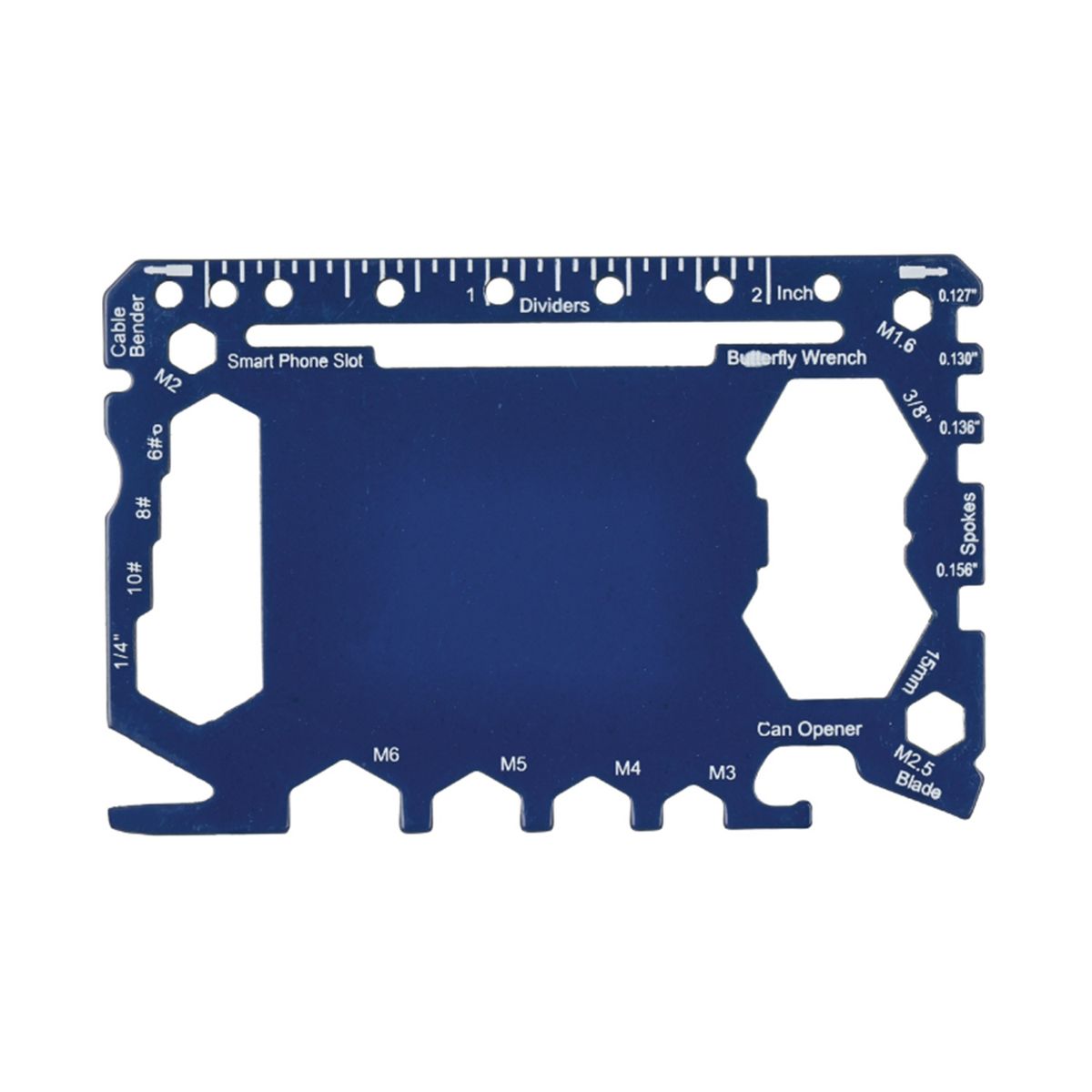
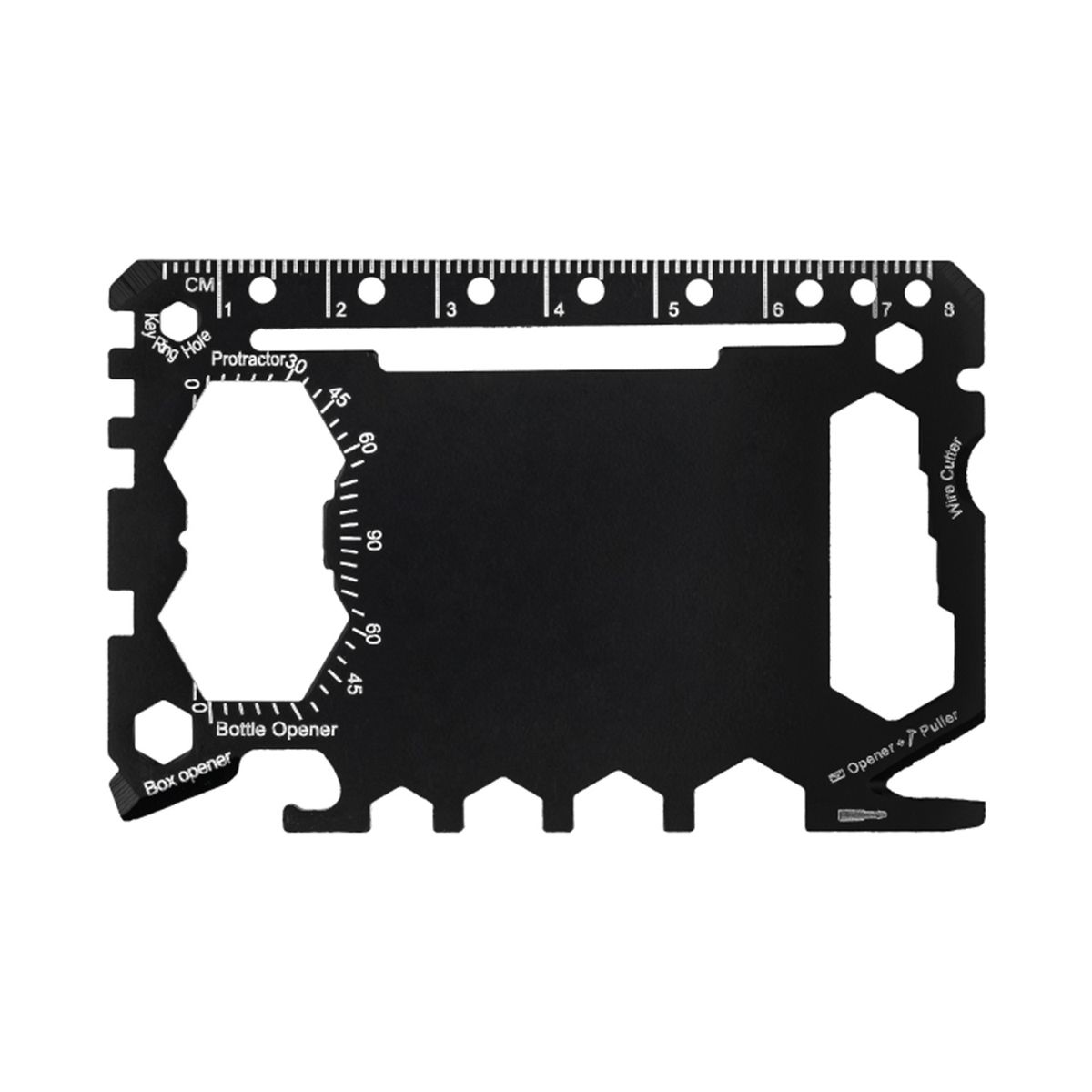
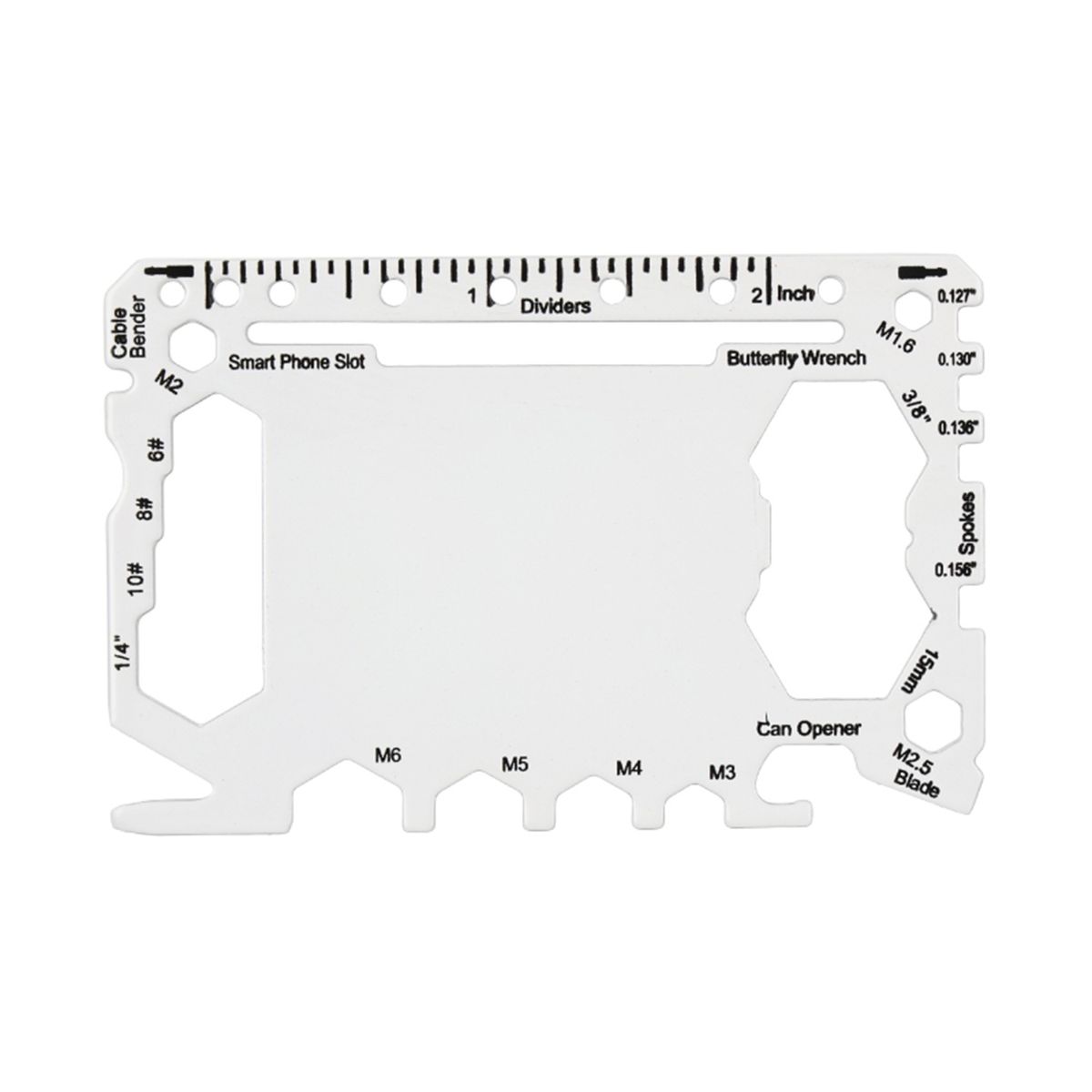
Stainless Steel Multi Utility Tool Card
#UC102-US-Stock UC102-US-Stock
Pricing Details
Production Time: 5 Working Days
| Quantity | Price (USD) |
|---|
| 100 | $4.20 each |
| 200 | $3.67 each |
| 300 | $3.40 each |
| 500 | $3.27 each |
| 1000 | $3.08 each |
| 2000 | $3.00 each |
| RRRRRR |
- Constructed from heavy duty stainless steel for lasting strength
- Fits easily inside any standard wallet or front pocket
- Includes metric wrenches spoke tools and an imperial ruler
- Features a built in can opener and smartphone stand
- Add your custom imprinted company logo for promotional giveaways
Credit card-sized stainless steel multi utility tool, designed to fit easily in any wallet, customizable with your logo! Available in the USA.
Features:
1 keyring hole
8 dividers
Cable bender
4 bicycle spoke keys
4 open hex wrenches (M6, M5, M4, M3)
2 large hex wrenches (15mm and 9/16)
3 small hex wrenches (M1, M2, M2.5)
4 closed hex head wrenches (7/16, 3/8, 11/32, 5/16)
Slotted cell phone mount (use with credit card)
Wire cutter
Bottle and can opener
Box cutter blade
4 flathead screw drivers
2 rulers (metric and imperial)
Note:
SHIPPING NOT INCLUDED.
Limited stock only. First come first serve.
Price Includes:
Free setup
Free virtual proof
Free 1 color pad print on 1 location
Lead Time (including shipping time):
Standard Service (business days): Production time: 5 business days. Shipping time: 2-5 working days.
Rush Service (business days): None
Product Detail:
Type: Utility Card
Capacities:
Standard Colors:
Black, Blue, Yellow, White
Imprint Methods:
Laser Engraving
Imprint Location: Front / Back
Imprint Size: 1.25 (L) x 1.00 (W) inches
MOQ: 100
Item Dimension (inch): Tool: 3.13 (L) x 2.00 (W) inches
Item Shape: Rectangle
Material: Stainless Steel
Standard Package: Bulk
Item Weight (g): 27.22
Add-Ons with Extra Charges:
Additional location imprint
Normal Production Time
5 Working Days
Product Size
3.13 (L) x 2.00 (W) inches
Weight
27.22 g
Additional InformationNew weekly prices are available after 10AM PST every Monday.