Custom Silicone LED Bike Light MOQ 20
#DPBSTL00140

Pricing Details

Production Time: 5 Working Days
QuantityPrice (USD)
20 $5.76 each
50 $2.49 each
100 $1.74 each
300 $1.09 each
500 $0.98 each
1000 $0.90 each
3000 $0.56 each
5000 $0.49 each
10000 $0.49 each
50000 $0.45 each
RRRRRRRRRR
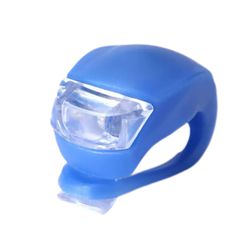
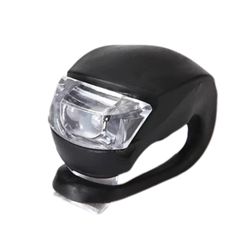
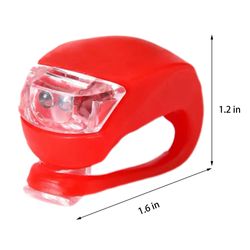
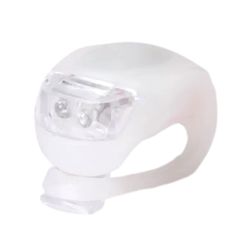
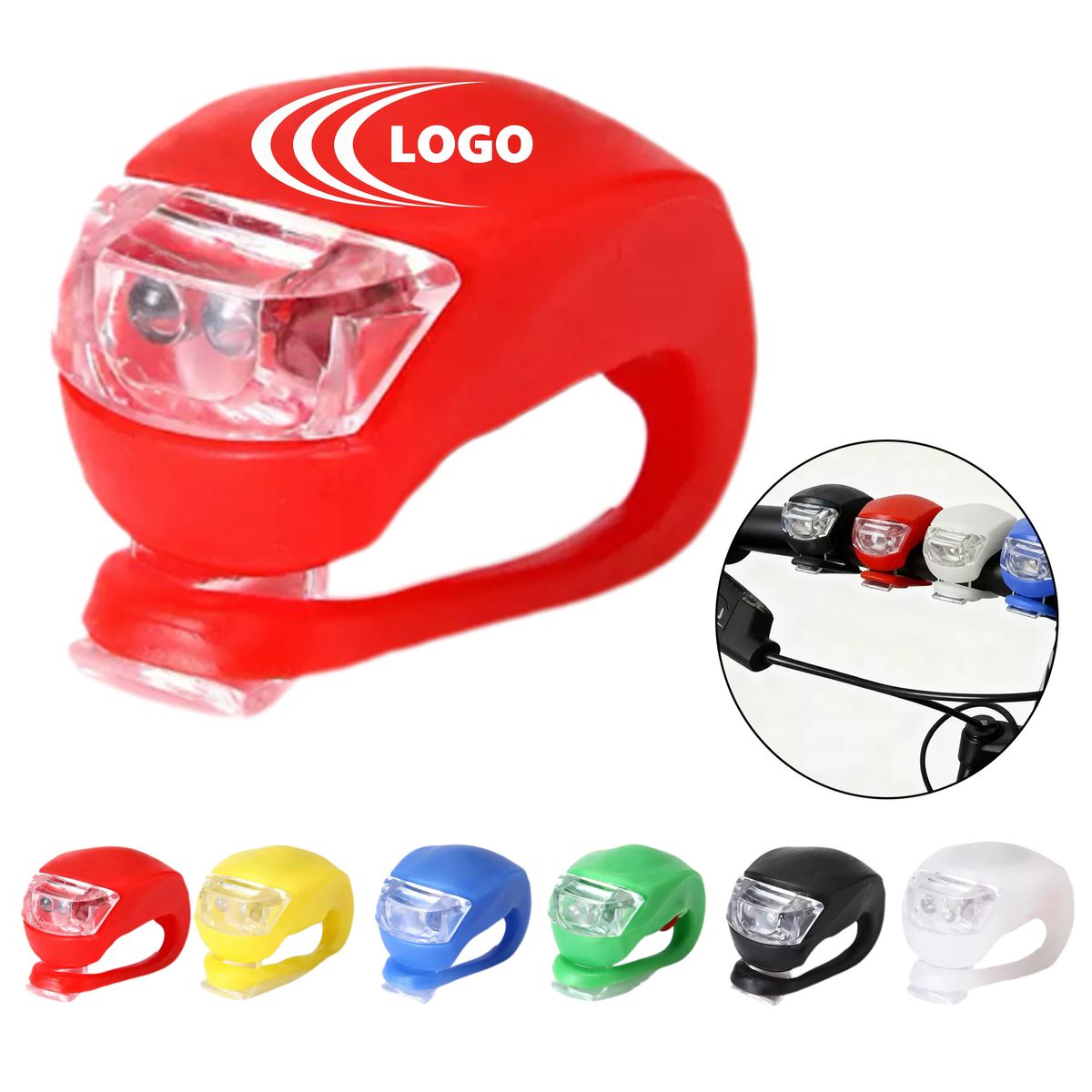
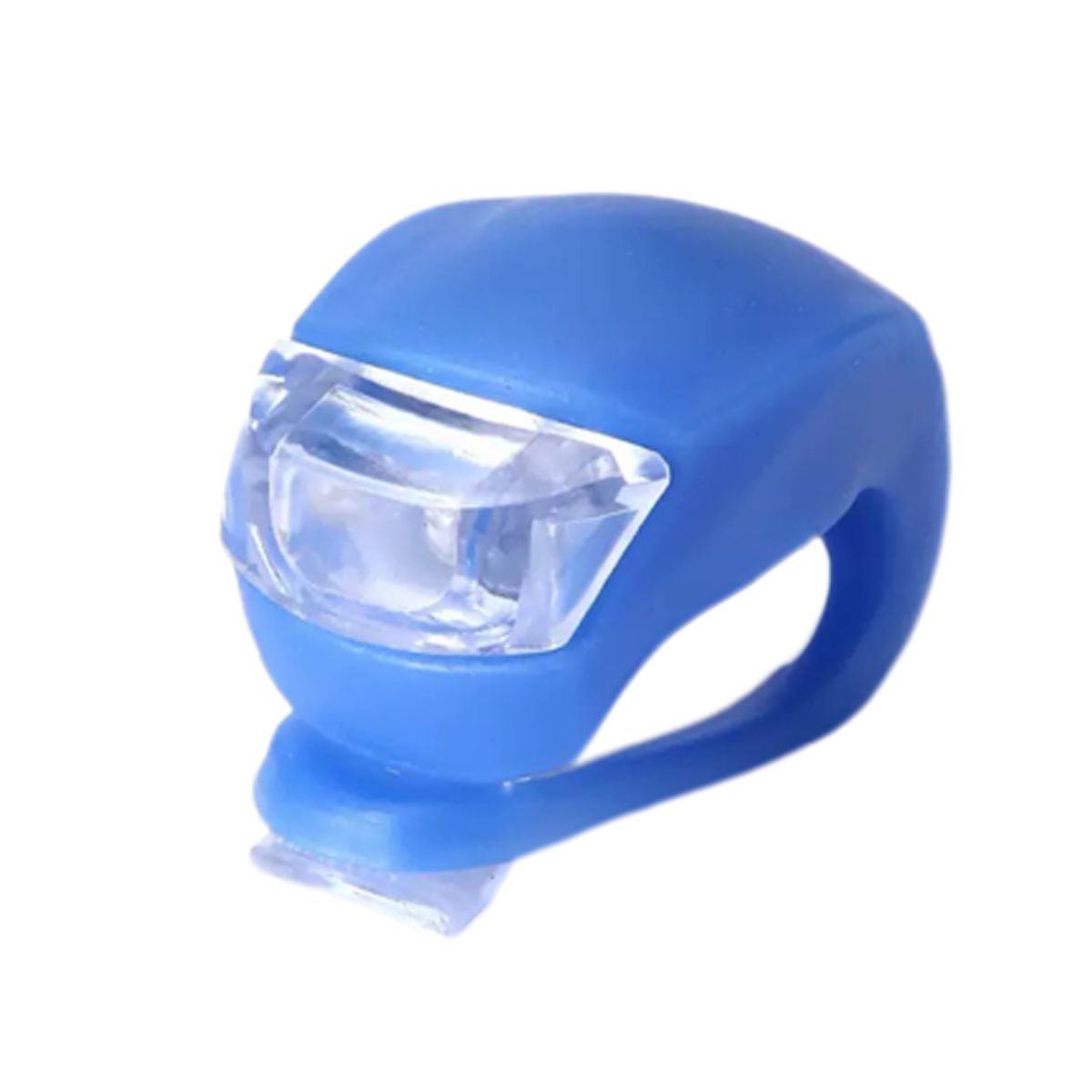
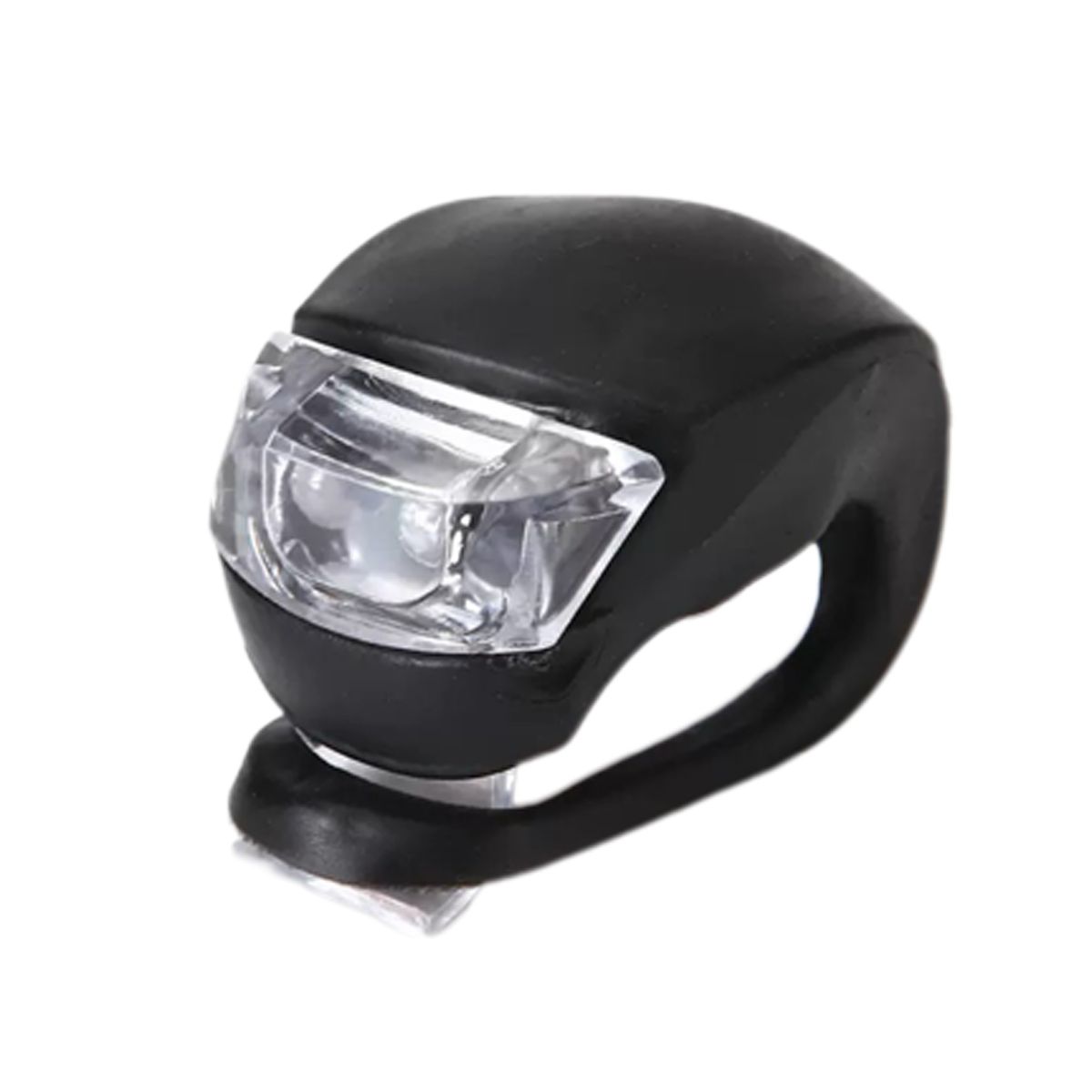
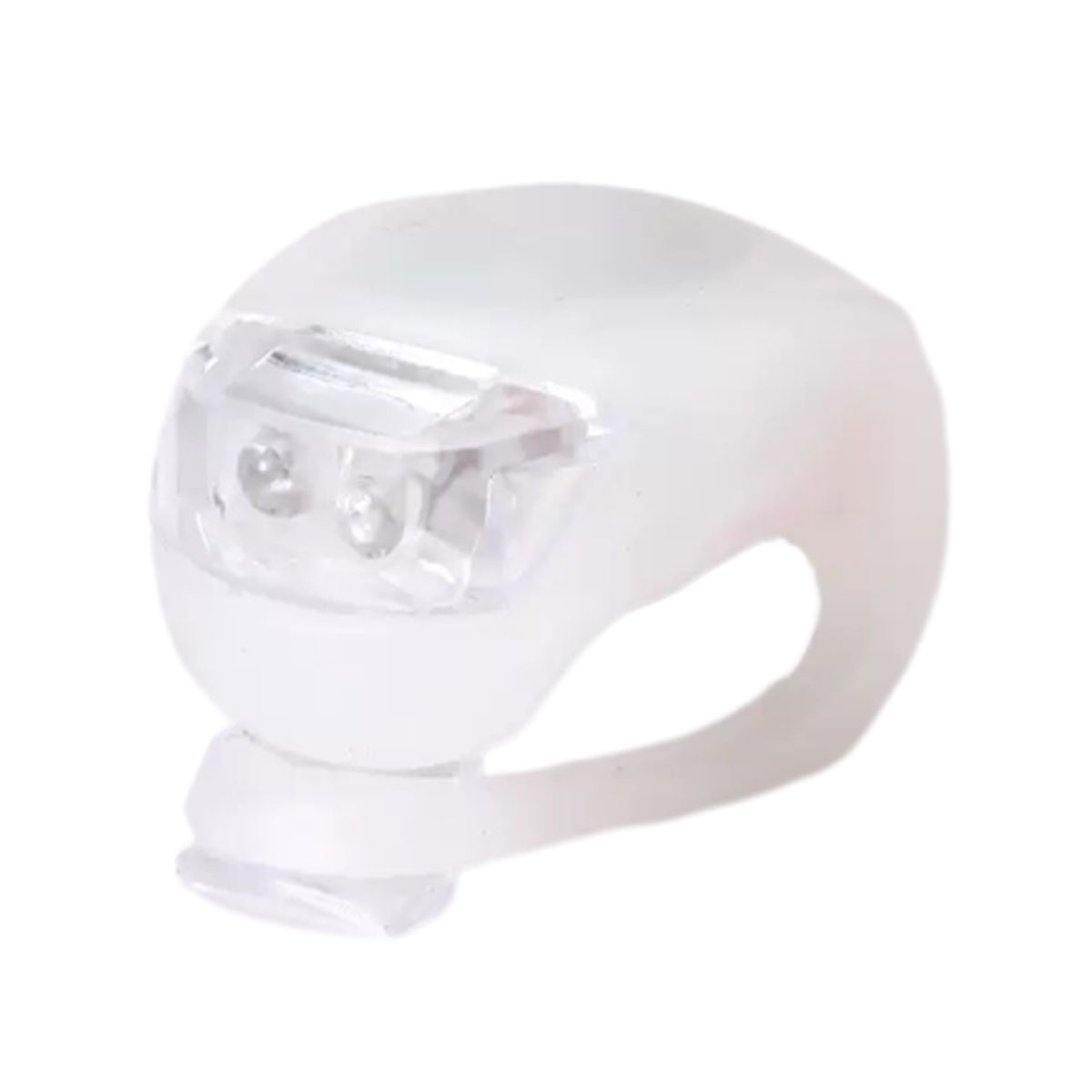
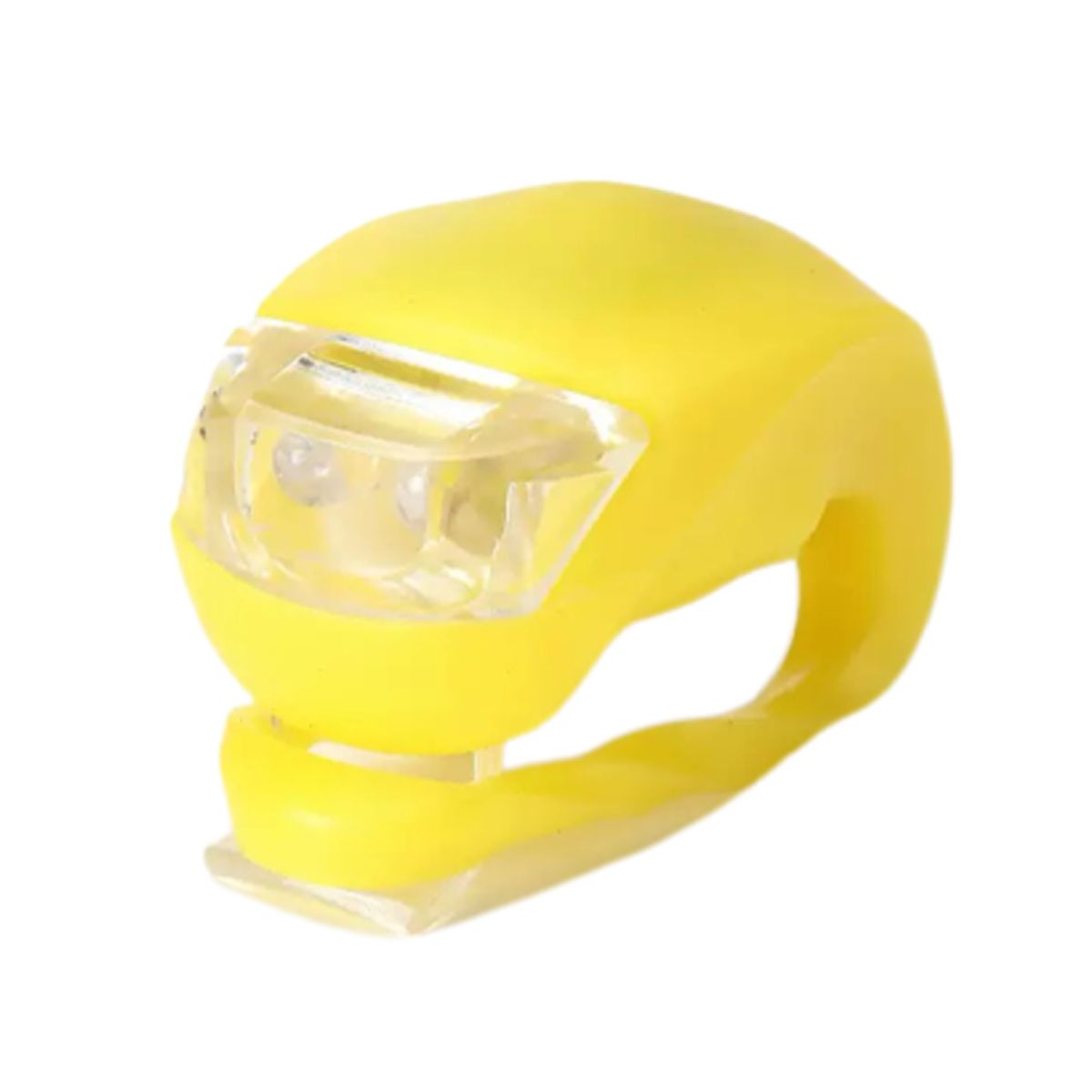
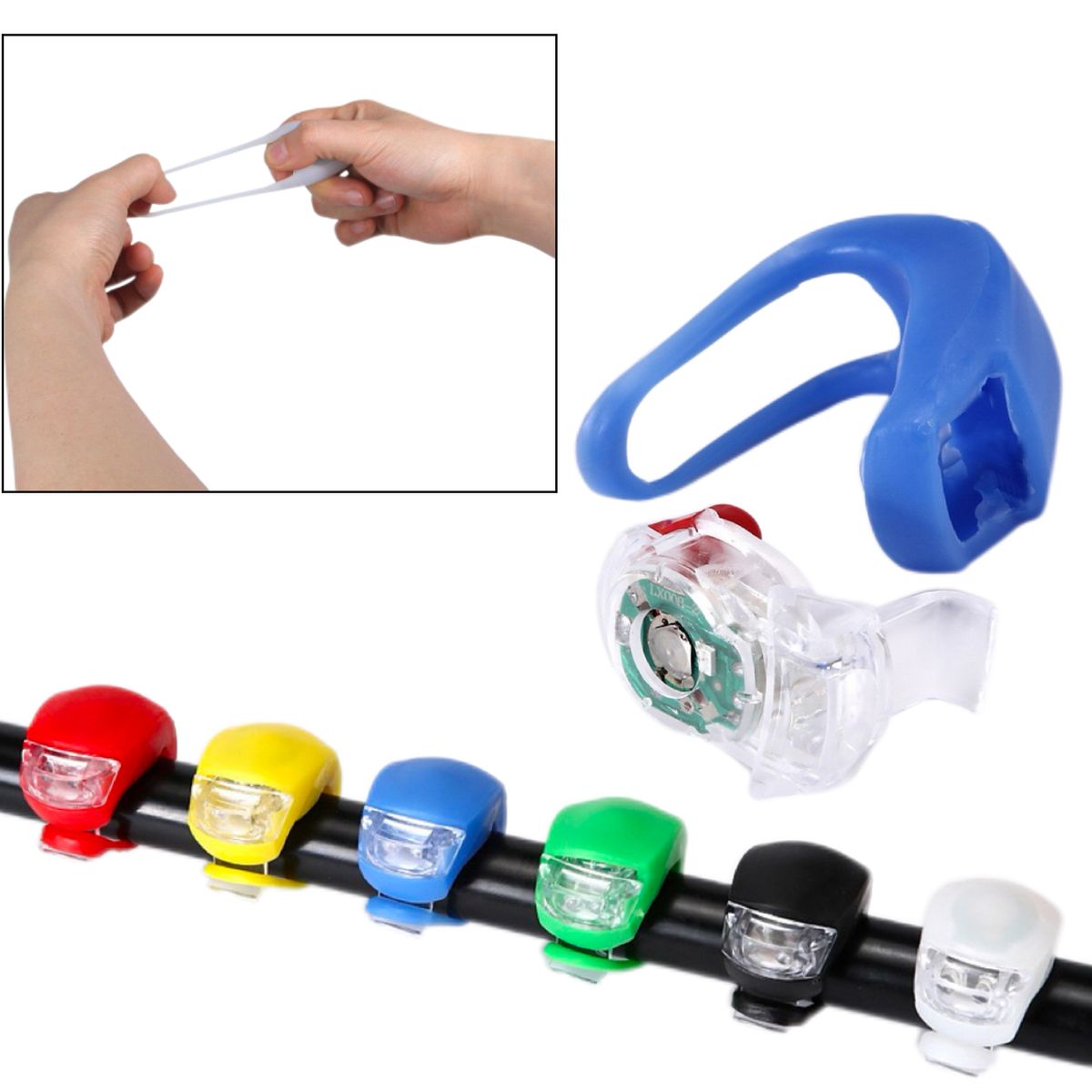
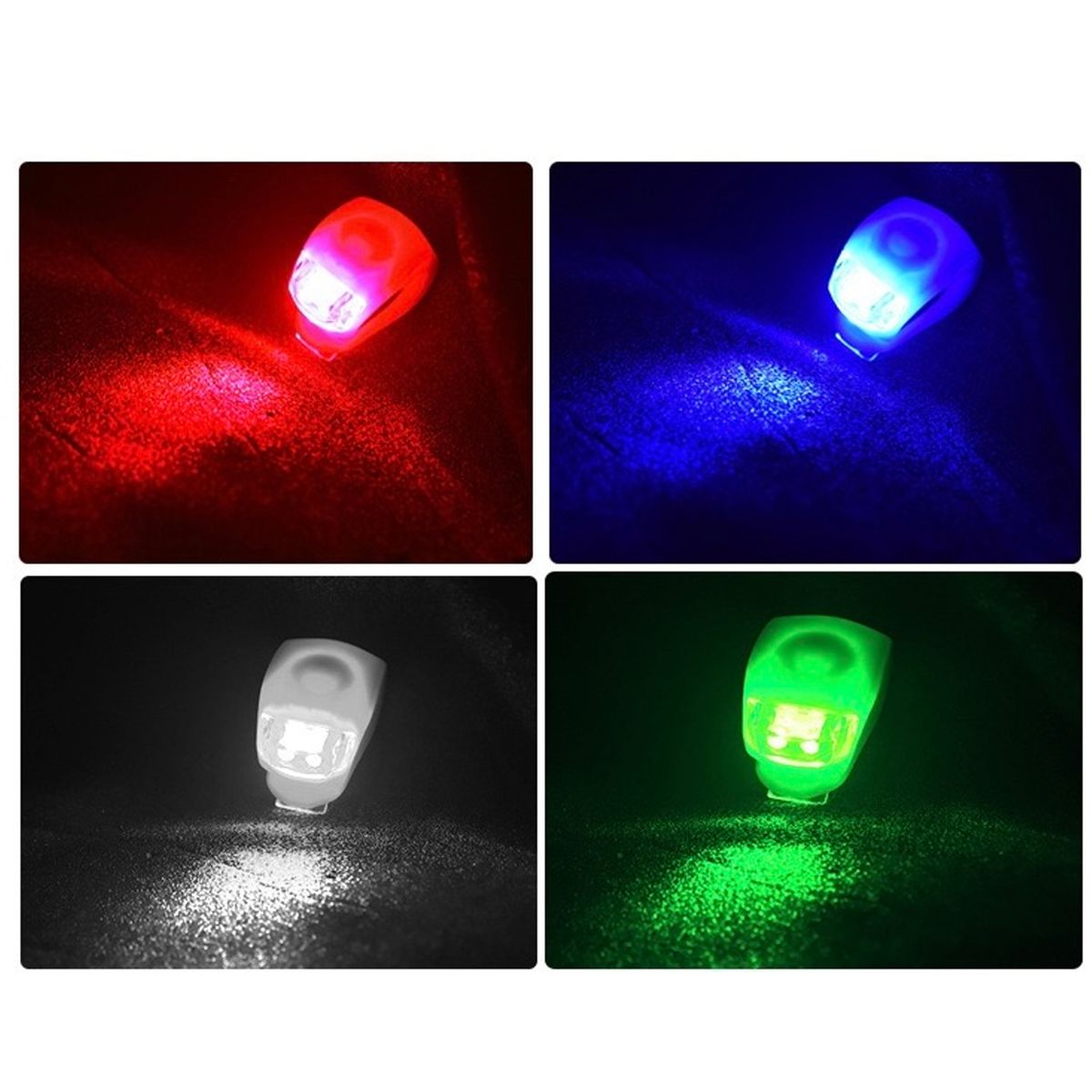
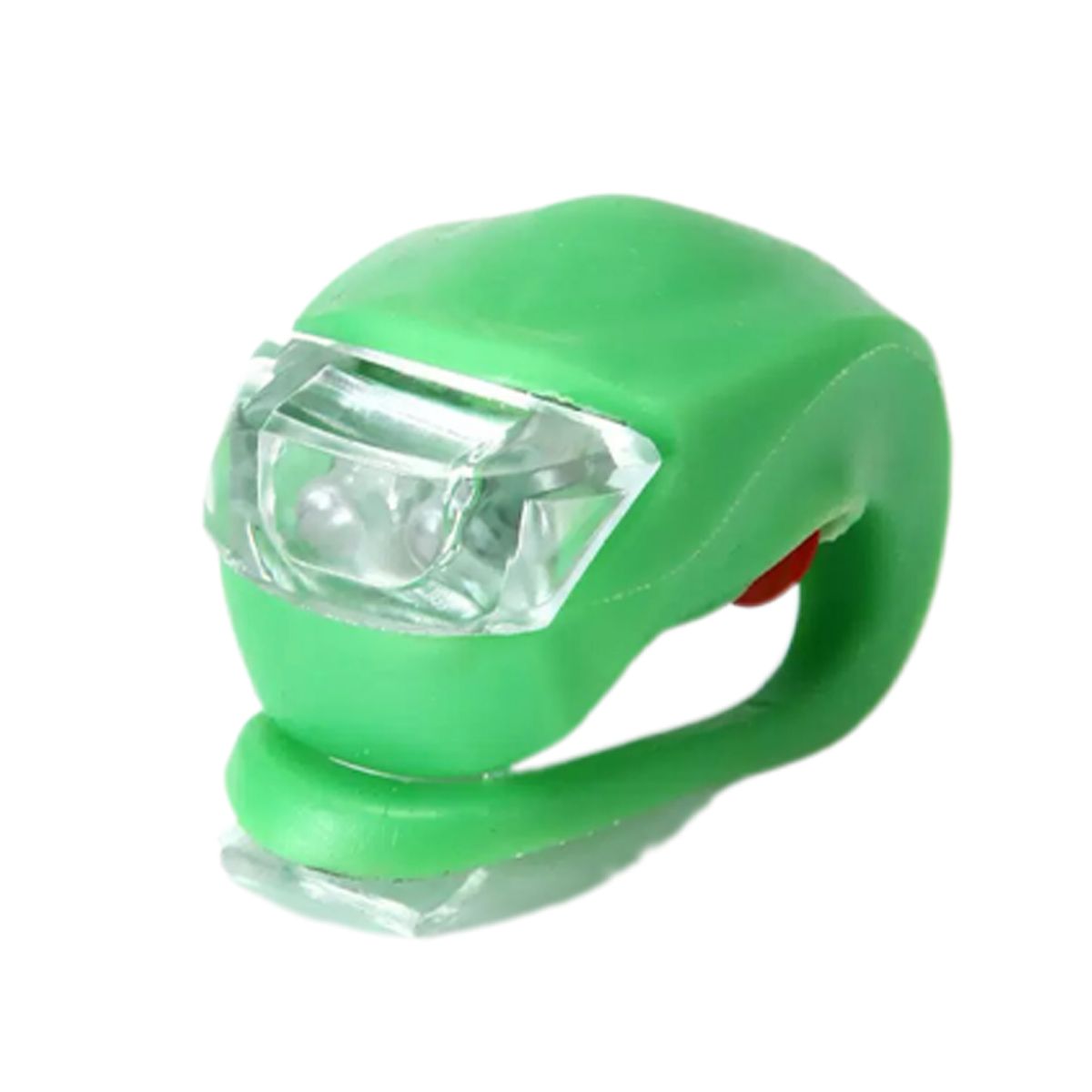
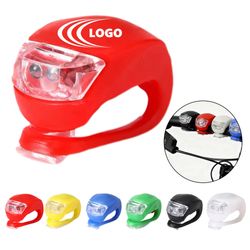
Stay seen and stay safe on every ride with this silicone LED bike light. It gives you three lighting modes to choose from: steady on, slow flash, and fast flash. You can also pick your favorite color from red, white, blue, or green. The stretchy silicone strap mounts in seconds without any tools, and it fits handlebars, seat posts, backpacks, and strollers with ease. It's a great choice for night riding, jogging, and staying visible outdoors. Add your logo to turn it into a custom giveaway that bike shops, cycling events, and corporate promotions will love.

Normal Production Time
5 Working Days

Product Size
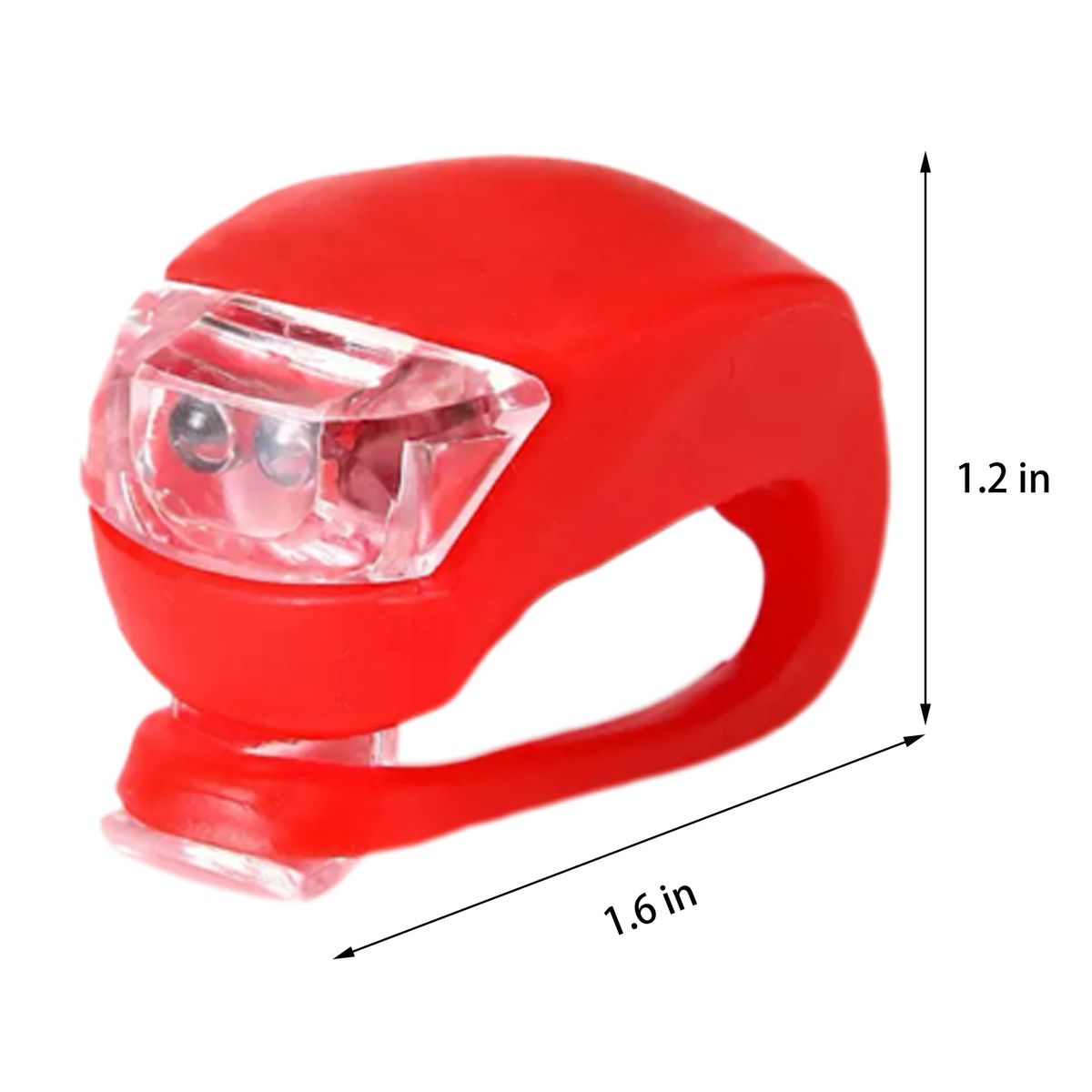
Length:1.6:in;Width:1.2:in;Height:1.2:in

Weight
0.04 lbs

Additional Information
This silicone LED bike light features 3 modes, 4 colors, and custom logo options for night riding and outdoor safety. Pricing for 3000 pieces or more is based on sea shipping.

How to Place an Order

1. Search for a Product

  • Type a keyword in the search bar at the top of the website then click the "Search" button to see the product results. When you find a product you like, just click on the product from the results page to see full product details.
  • Once you've made your product selection, click the "Order Now" button. 

2. Customize the Product

  • On the following pages you will select preferred customizations such as product colors, sizes, & imprint colors, as well as upload artwork to be imprinted, & enter the shipping address & payment information for this order. 
  • Click "Next" at the bottom right to continue through the each page of the process.

3. Order the Product

  • The last step is to review and confirm your order. Check the product quantities, product options such as colors and sizes, confirme the correct artwork has been loaded, and lastly confirm that the shipping address is correct.
  • Once you are ready, click "Finish" at the bottom right to submit your order.