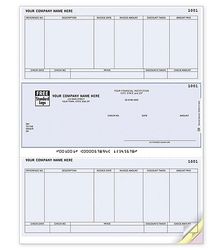
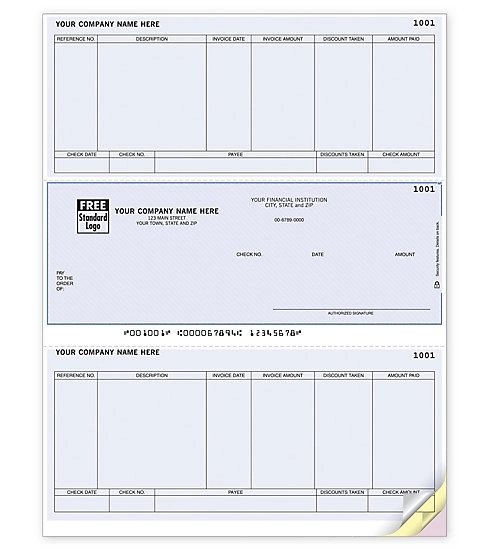
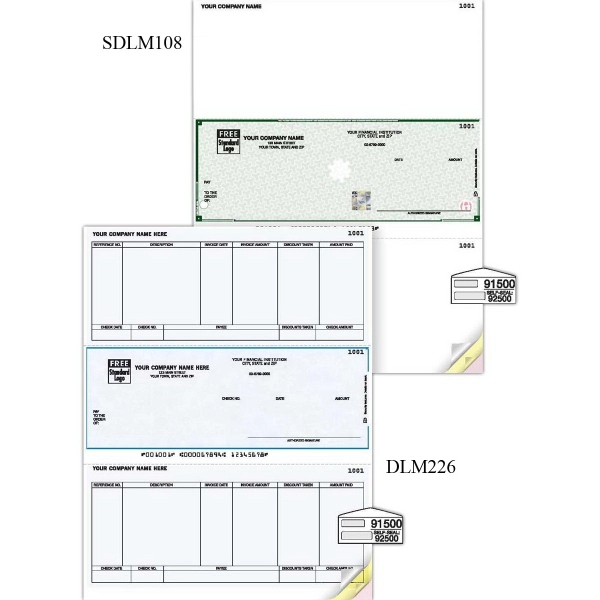
Laser accounts payable middle check
#DLM226
Pricing Details
Production Time: 8 Working Days
| Quantity | Price (USD) |
|---|
| 250 | As low as $0.53 each |
| 500 | As low as $0.36 each |
| 1000 | As low as $0.25 each |
| 2000 | As low as $0.21 each |
| 2500 | As low as $0.20 each |
| 3000 | As low as $0.18 each |
| 4000 | As low as $0.17 each |
| 5000 | As low as $0.16 each |
| 6000 | As low as $0.15 each |
| 8000 | As low as $0.13 each |
| TTTTTTTTTT |
Use this single-sheet laser accounts payable check form to handle all of your accounts payable without the cost of multiple check stocks! The 8 1/2" x 11" form includes an 8 1/2" x 3 1/2" middle check. The check security features include UV dull paper, chemically sensitive paper, warning box, original document screen, eraser protection, invisible fluorescent fibers and microprint borders or signature line. The form is compatible with Sage 50 Accounting, Sage 50 First Accounting, Sage 50 Complete Accounting and Sage 50 Premium Accounting software. It's ideal for firms with a single checking account!
Normal Production Time
8 Working Days
Product Size
Length:8 1/2:in;Width:11:in
Additional Information8 1/2" x 11" single-sheet laser accounts payable form with an 8 1/2" x 3 1/2" middle check